
A free, self-hosted AI finance app for personal and business money: expenses, subscriptions, projects, payroll, investments and net worth in one ledger.
Desktop appFree
Sharp 125%, 150% and 175% HiDPI scaling for ultrawide and 1440p monitors on Mac: bigger text without the blur, and still 120 Hz.
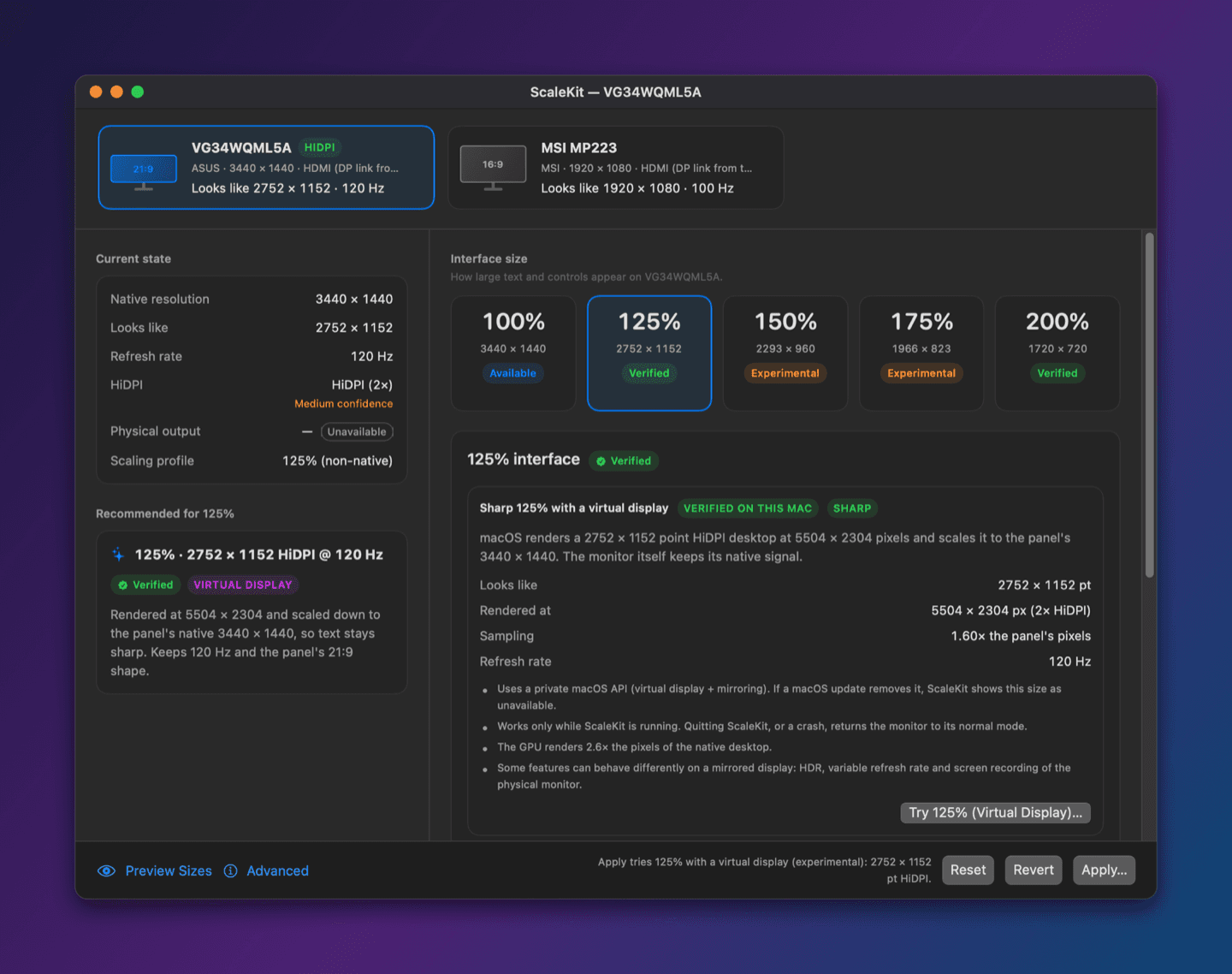
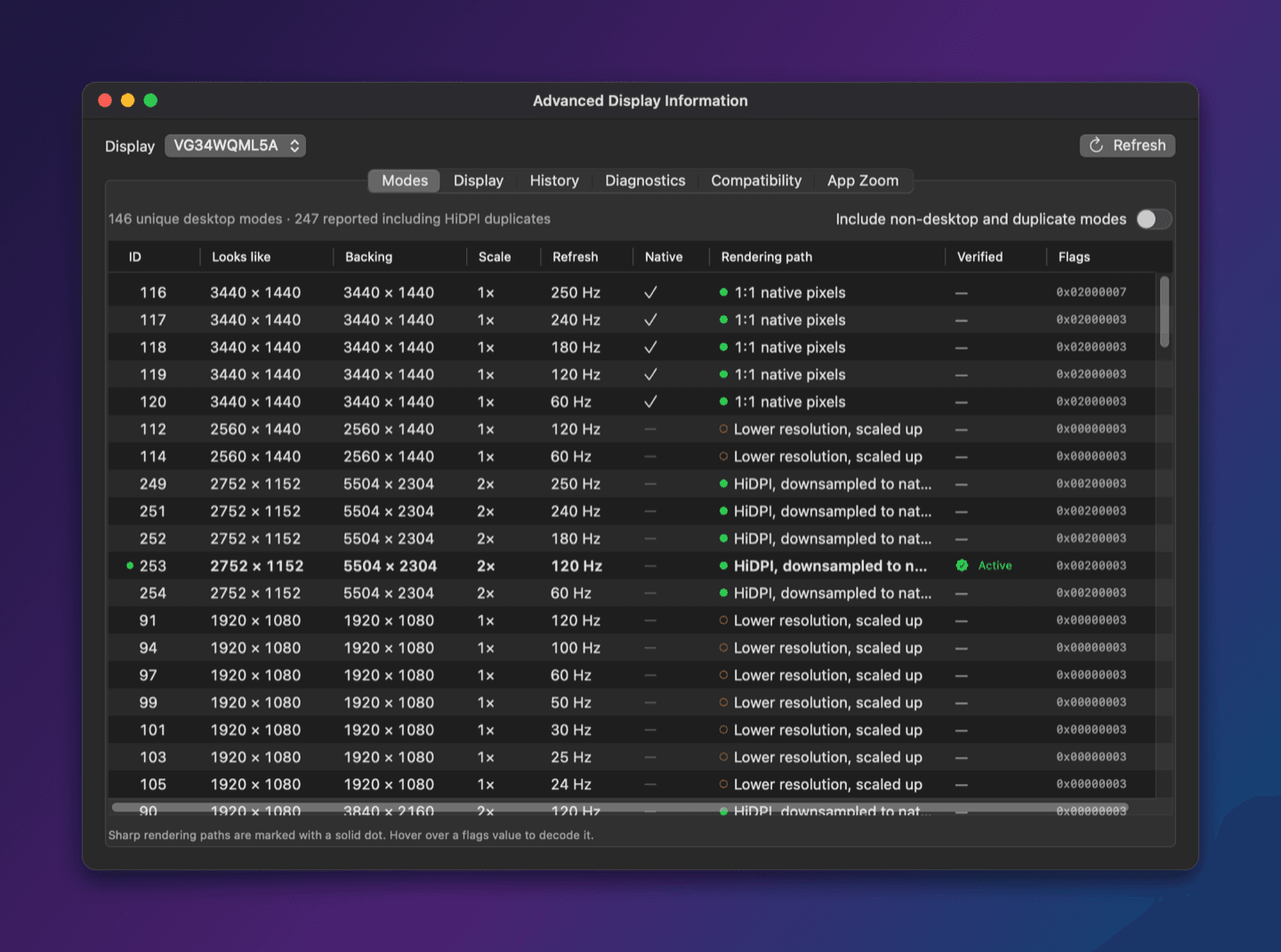
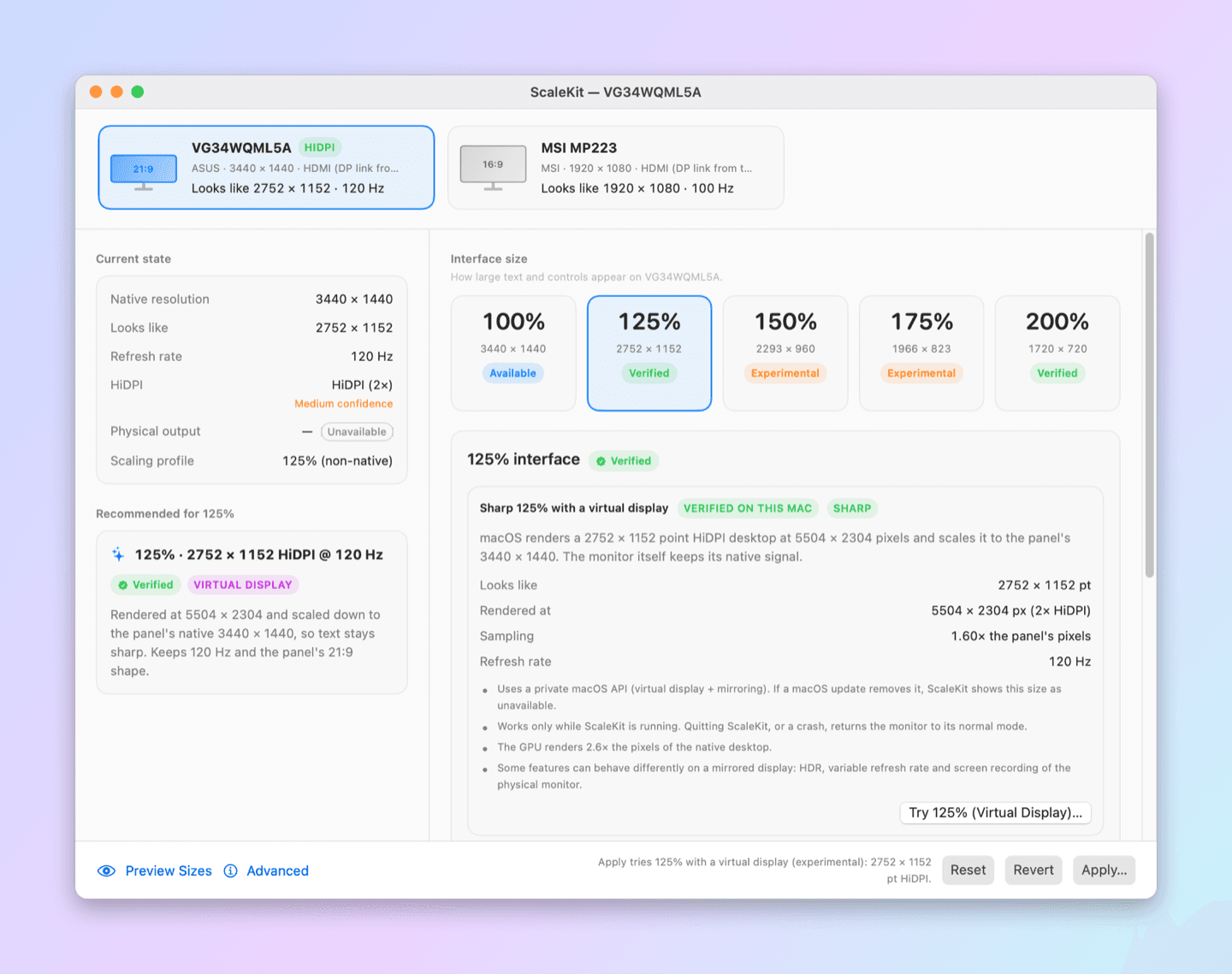
01 / 05ScaleKit main window: 125% verified on an ASUS 3440 × 1440 ultrawide, looks like 2752 × 1152, HiDPI 2×, 120 Hz
What it does
125%, 150% and 175% on monitors macOS won’t offer them for, alongside native 100% and 200%.
The desktop is rendered at 2× above your panel’s resolution and scaled down, the same way a Retina Mac does it.
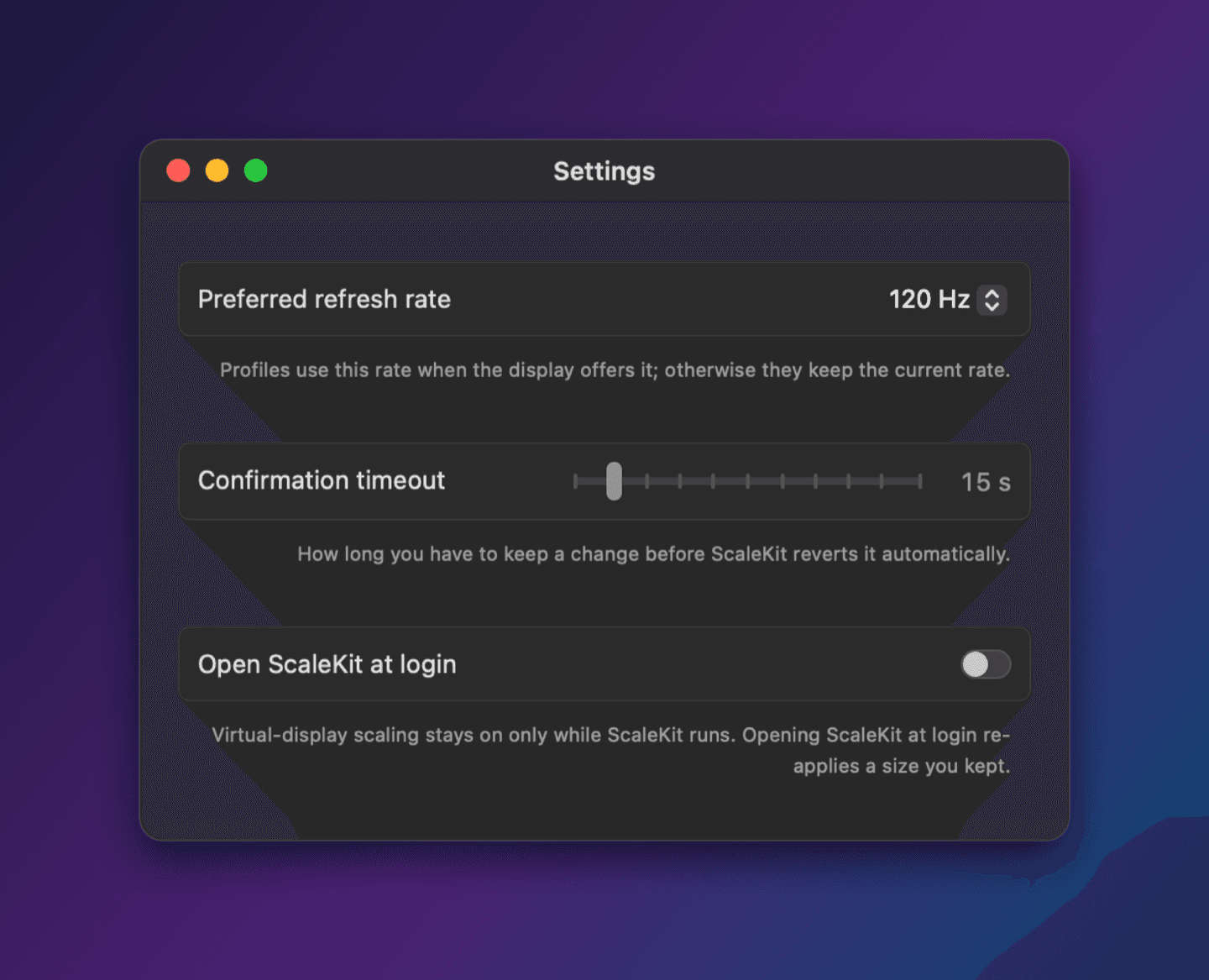
Your preferred refresh rate is kept and pinned. Anything that would lower it needs your explicit OK.
Review the change, then a countdown appears on every screen. Don’t press Keep Changes and it reverts by itself.
Scaling lasts only while ScaleKit runs. Quit, crash or force-quit, and macOS restores your monitor.
Every size is Verified, Available, Experimental or Unsupported. It never quietly switches you to a blurry mode.
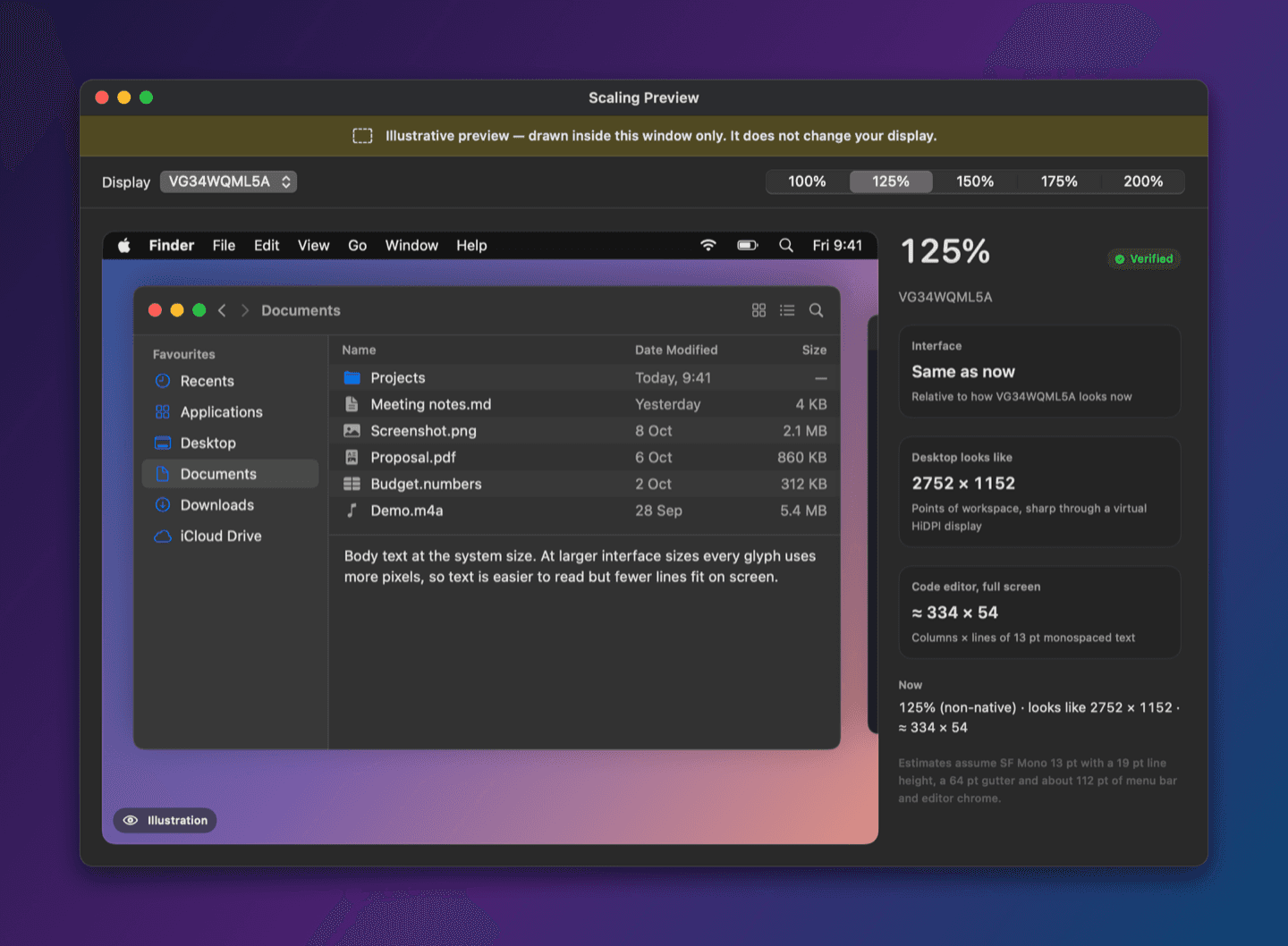
See what each size looks like in a window before changing anything on your display.
Monitors next to the scaled one stay where they were, and it repairs itself after sleep, wake or reconnecting.
The details
Who it’s for
ScaleKit has no network access, no account and no analytics. Diagnostic reports are written to your disk only when you export them.
The 125%, 150% and 175% sizes use a virtual display through one private macOS API, the same one BetterDisplay and DeskPad use. If a future macOS removes it, ScaleKit shows those sizes as unavailable instead of breaking.
FAQ
At the Larger Text sizes on a non-Retina monitor, macOS renders a smaller desktop at 1× and stretches it up to the panel, so every letter is scaled by an odd factor and looks soft. ScaleKit renders at 2× above the panel’s resolution and scales down, which stays sharp.
macOS only offers sharp in-between sizes on displays it considers high density, and a 34″ 3440 × 1440 or 27″ 2560 × 1440 panel is about 109 PPI, so it doesn’t qualify. ScaleKit adds those sizes through a virtual HiDPI display. Pick a size, click Apply, try it and keep it.
No. ScaleKit keeps your preferred refresh rate and pins the monitor to it while scaling. Any change that would lower it asks you first.
No, neither. It doesn’t touch system files and installs no drivers.
The virtual display belongs to the app, so quitting always restores your monitor. That’s the safety net. Turn on Open ScaleKit at login to keep your size.
BetterDisplay is a powerful, general-purpose display tool. ScaleKit does one thing, comfortable and sharp interface sizes on an external monitor, with a review, trial and keep flow and open source code you can read.
ScaleKit isn’t notarized by Apple yet, so macOS blocks it once. Go to System Settings › Privacy & Security, scroll down and click Open Anyway. Or build it yourself from the source.
Open source, no signup and no catch. Install it and start in a minute.
More tools
A free, self-hosted AI finance app for personal and business money: expenses, subscriptions, projects, payroll, investments and net worth in one ledger.
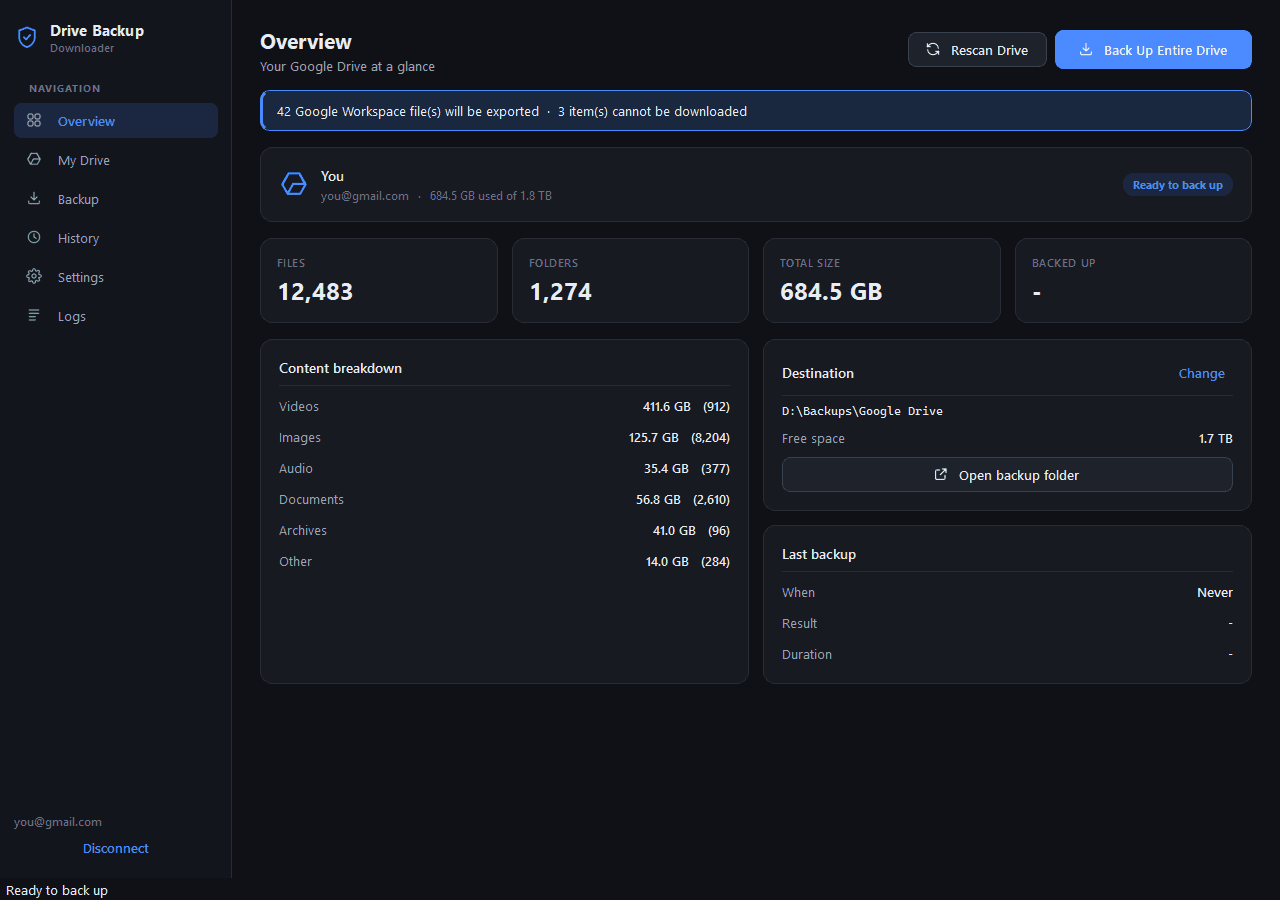
A free Google Takeout alternative for Windows: download your entire Google Drive to your PC or an external hard drive, with every folder kept.