
A free, self-hosted AI finance app for personal and business money: expenses, subscriptions, projects, payroll, investments and net worth in one ledger.

Desktop appFree
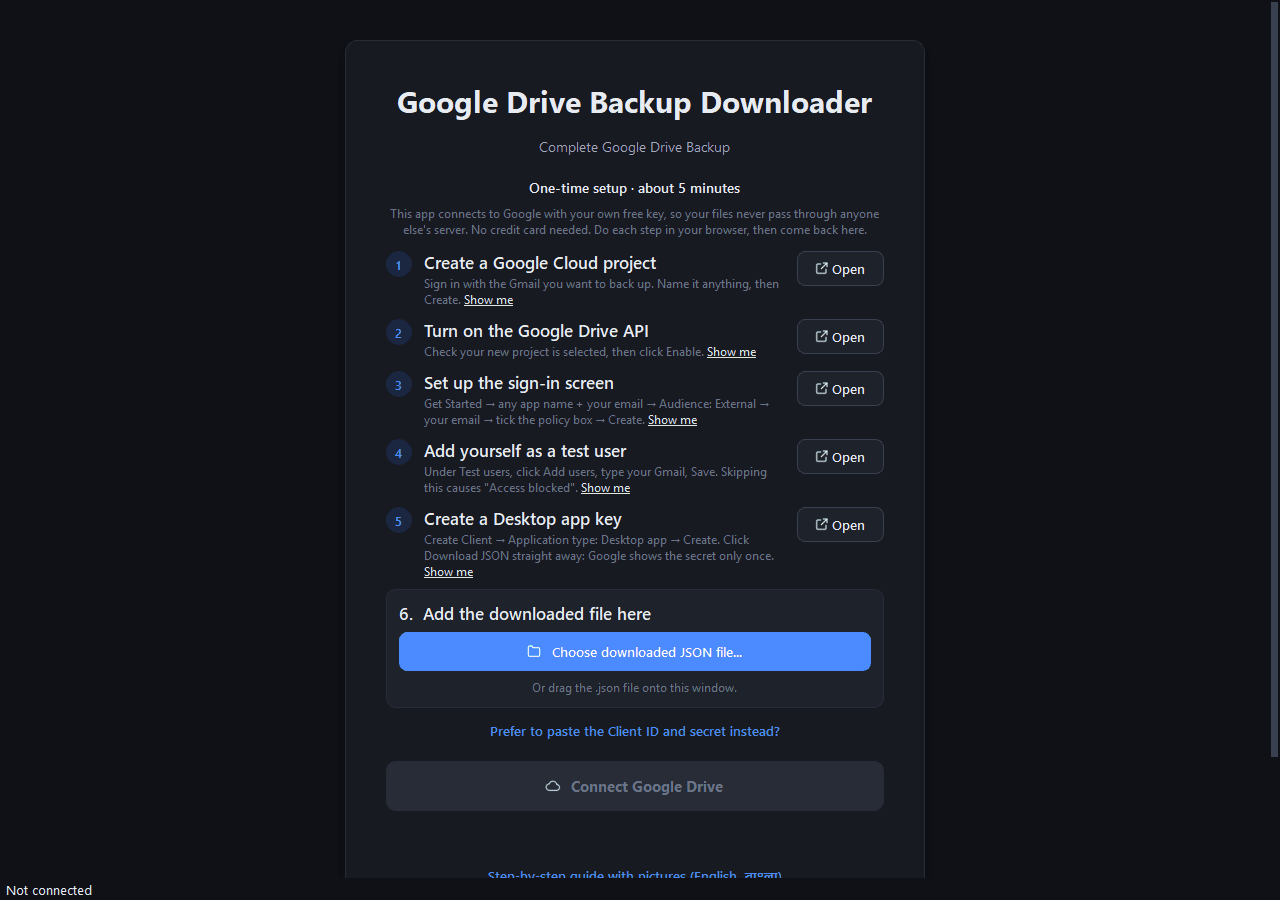
A free Google Takeout alternative for Windows: download your entire Google Drive to your PC or an external hard drive, with every folder kept.
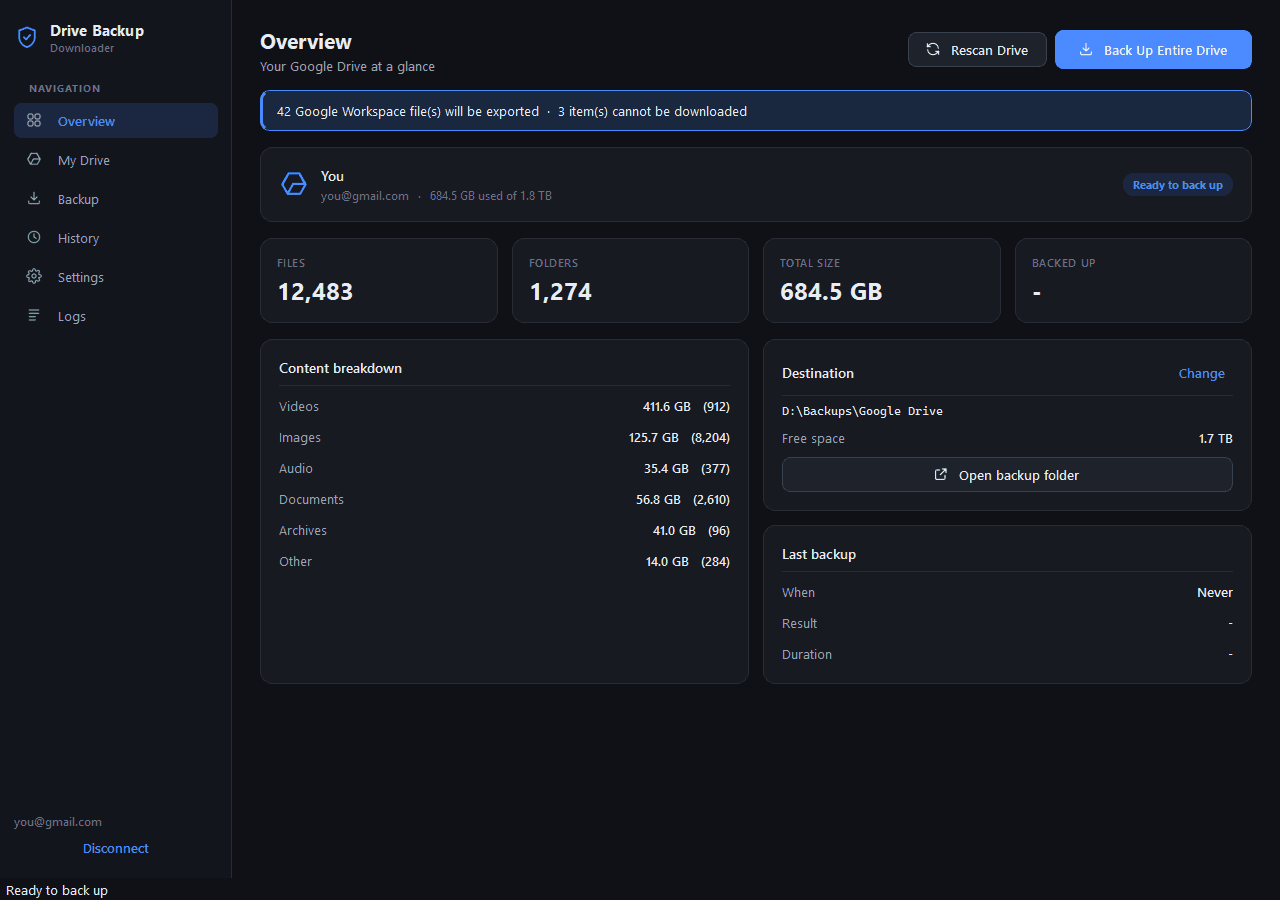
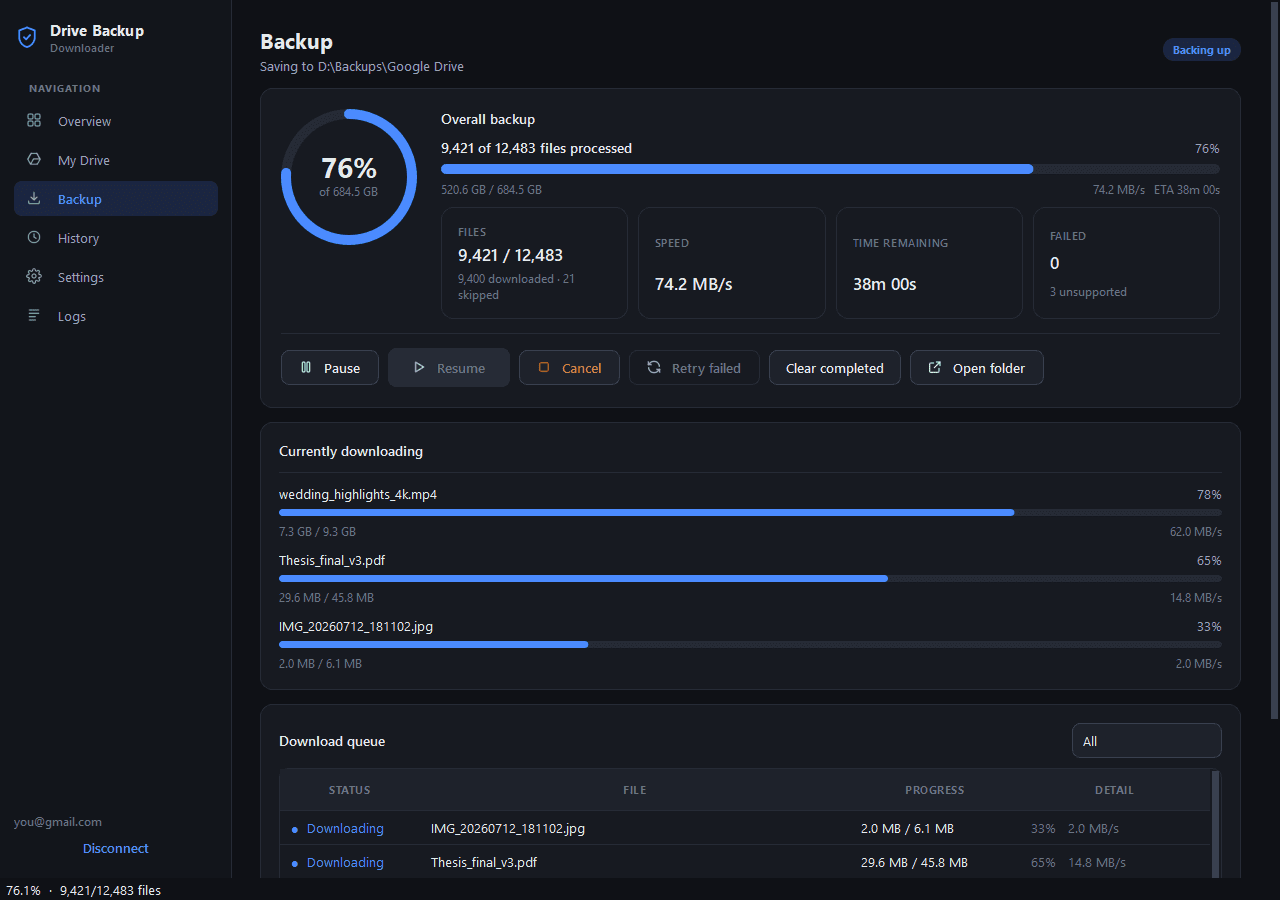
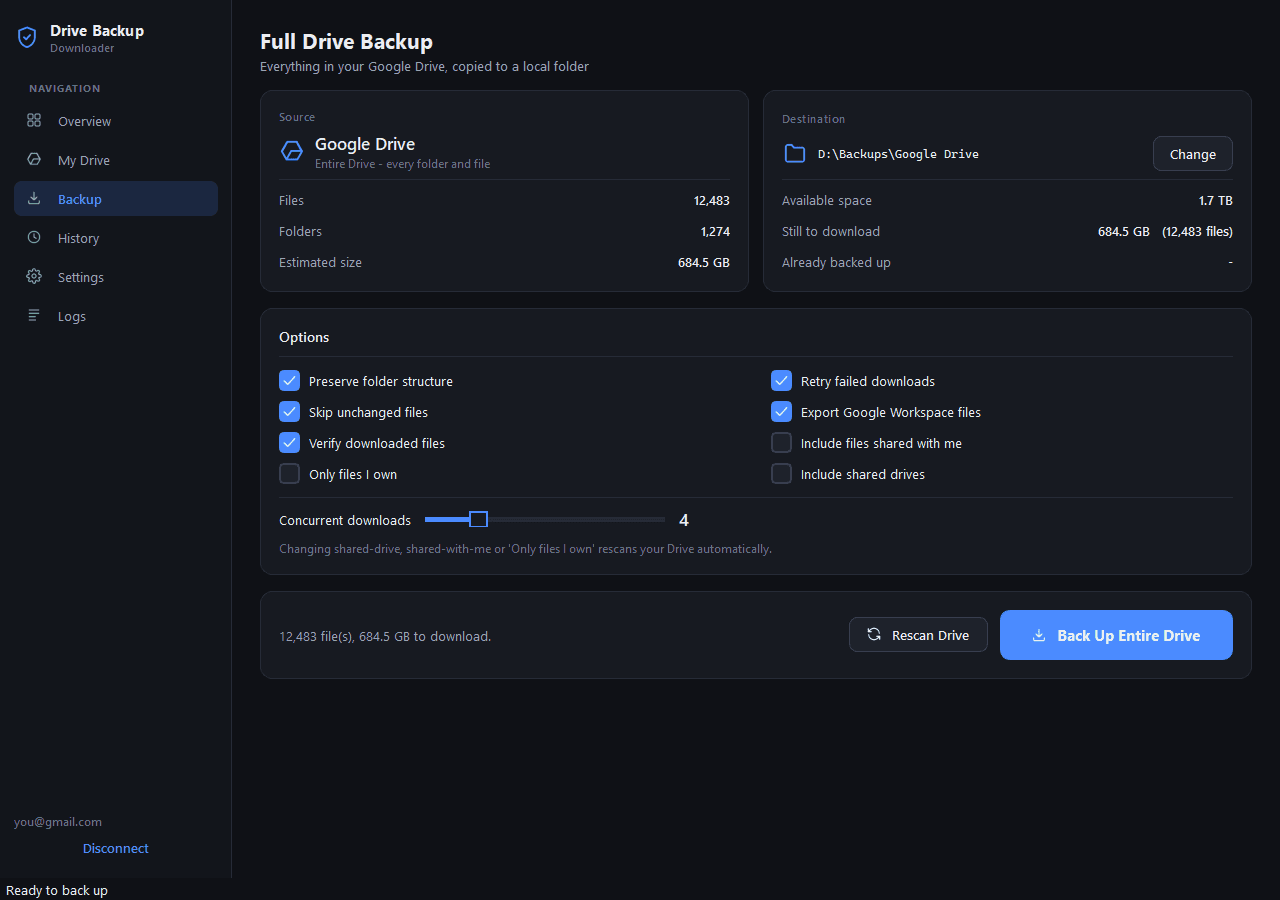
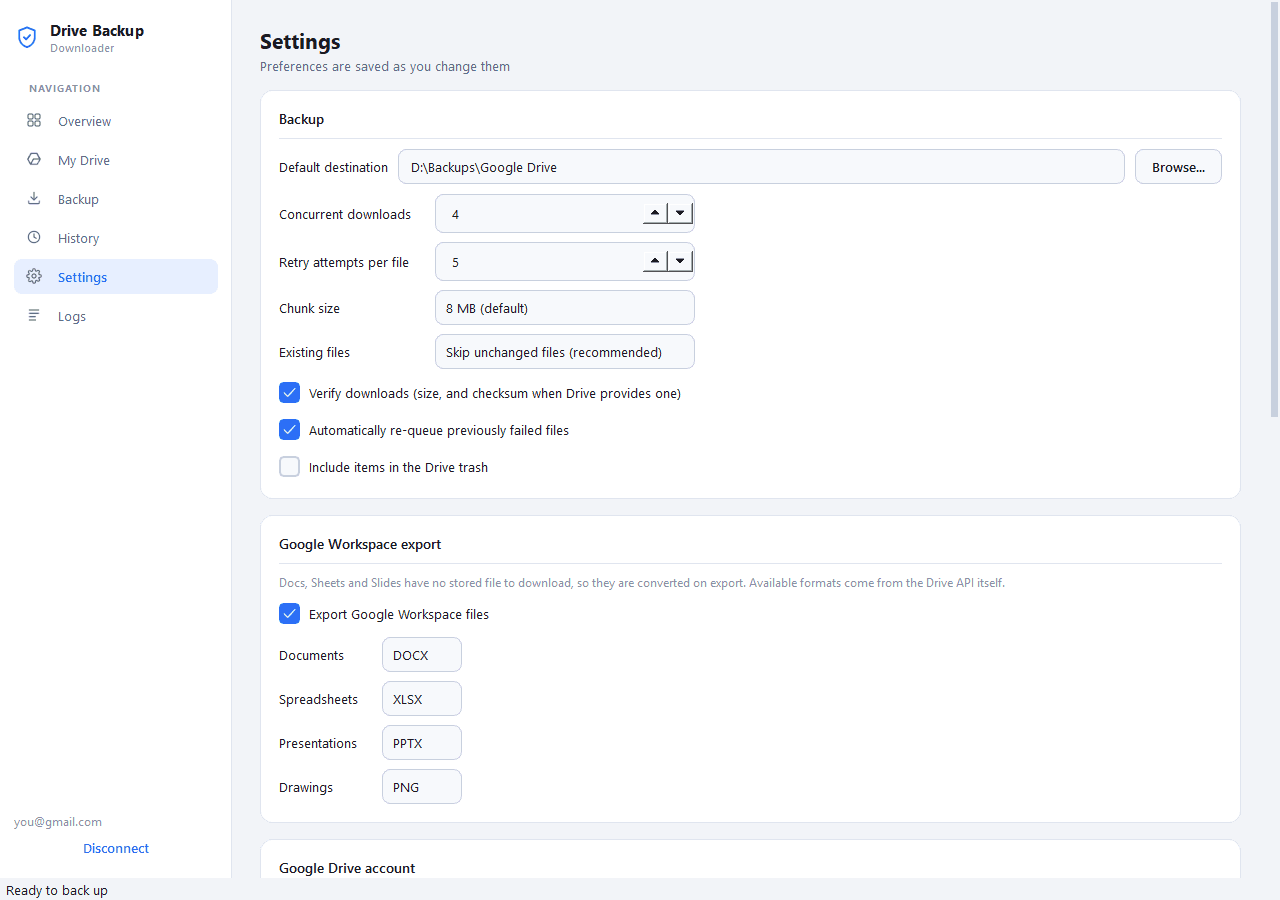
01 / 05Overview of a 684.5 GB Google Drive: 12,483 files in 1,274 folders, a breakdown by file type and the backup folder on drive D
What it does
Back Up Entire Drive copies every folder and file. No picking folders one by one, no zips to split or extract.
Videos/YouTube/2026 in Drive lands in the same folders on your disk. Nothing is flattened.
If the network drops, the PC restarts or you pause, a half-downloaded file continues from the exact byte it reached.
Run it again next week against the same folder and it downloads only new and modified files.
Size always, plus the MD5 checksum Drive publishes for stored files. A file is only put in place once it passes.
Google Workspace files are exported: Docs to DOCX or PDF, Sheets to XLSX or CSV, Slides to PPTX or PDF.
Your PC, an external HDD or SSD, a USB drive or a NAS. It checks free space first and pauses safely if the drive is unplugged.
It asks Google for read-only access, so it can’t change or delete anything in your Drive, and it talks to no server but Google’s.
The details
Who it’s for
Your files go from Google straight to the folder you choose, and nowhere else. The app asks only for read-only access, you sign in on Google’s own page, the sign-in token is kept in Windows Credential Manager, and there is no telemetry.
You need your own free Google Cloud OAuth client, a one-time setup of about five minutes that the app walks you through. Not affiliated with or endorsed by Google.
FAQ
Do the one-time Google setup, click Connect Google Drive, pick a destination folder and click Back Up Entire Drive. Every file and folder is copied, with the folder structure kept.
For regular backups, yes. Takeout makes 2 GB or 50 GB zips that you download and extract by hand, and starts over every time. This app downloads into a normal folder tree, resumes interrupted files and only fetches what changed on later runs.
No. It asks only for read-only access, so Google itself stops it from changing, moving or deleting anything. It never deletes files from your backup folder either.
Yes, exported to DOCX or PDF, XLSX or CSV, and PPTX or PDF. Google Forms, Sites and My Maps have no export format, so they are listed with that reason instead of being skipped silently.
The app talks to Google directly from your PC, with no server in the middle, so your sign-in belongs to a project only you control. It’s free, needs no credit card and takes about five minutes, and the welcome screen walks you through it.
The .exe isn’t code-signed yet, so SmartScreen asks once. Click More info, then Run anyway. Or build it yourself from the source.
The Python source runs on macOS and Linux, but the ready-made download and the testing are for Windows 10 and 11.
Open source, no signup and no catch. Install it and start in a minute.
More tools
A free, self-hosted AI finance app for personal and business money: expenses, subscriptions, projects, payroll, investments and net worth in one ledger.
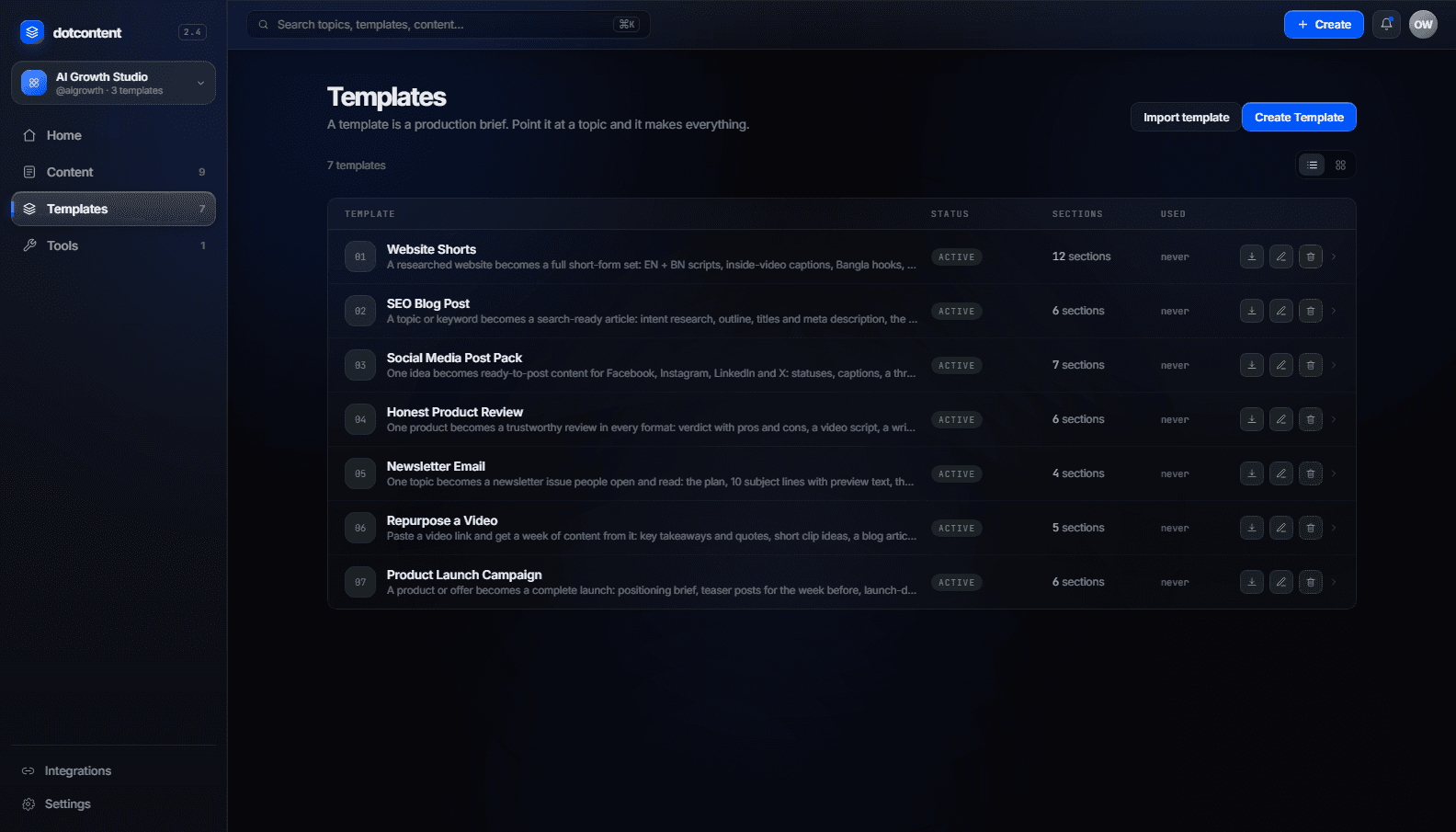
A free, self-hosted AI content studio: turn any topic into blog posts, social posts, captions, first comments, newsletters and video scripts from one template.