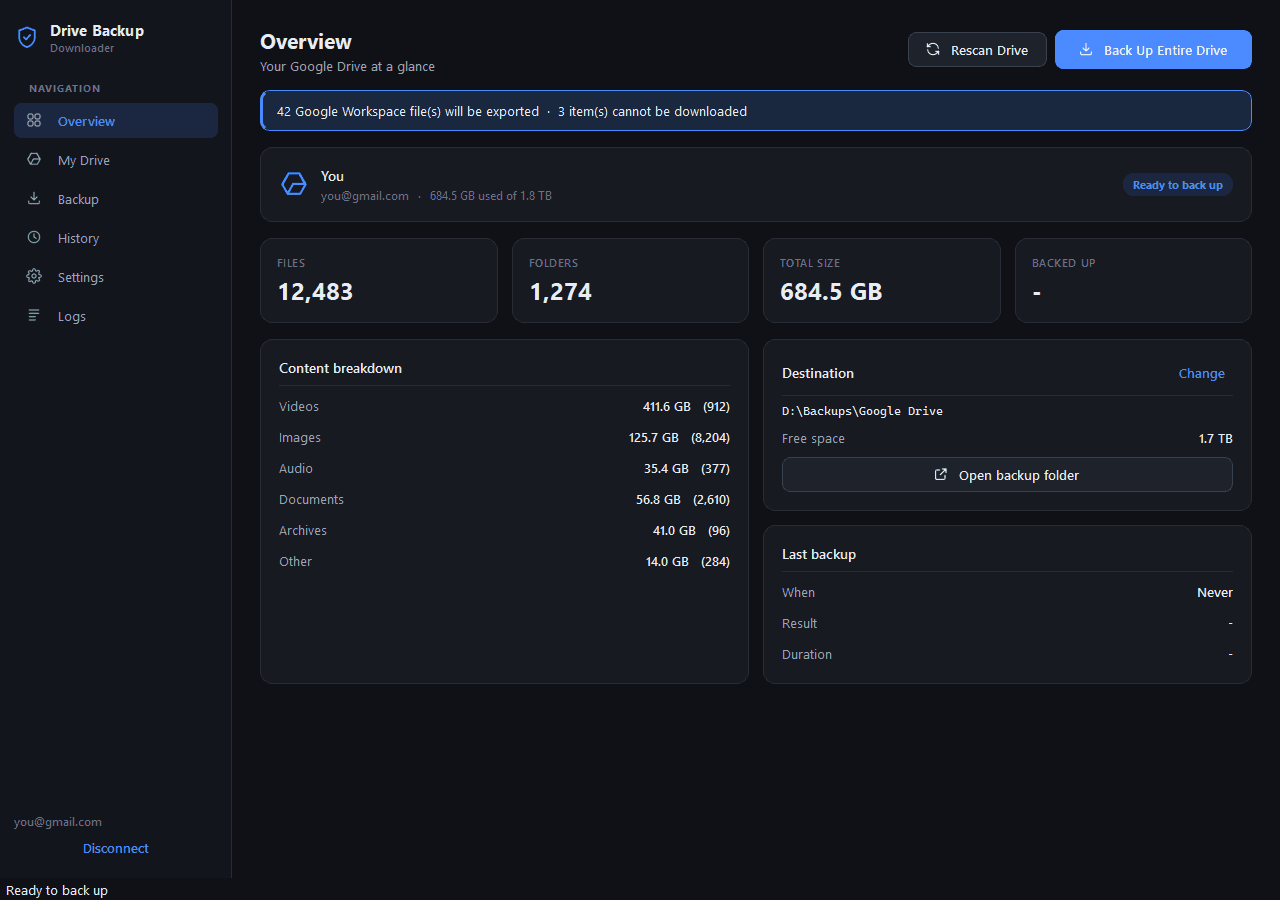

A free Google Takeout alternative for Windows: download your entire Google Drive to your PC or an external hard drive, with every folder kept.

Web appFree
A free, self-hosted AI finance app for personal and business money: expenses, subscriptions, projects, payroll, investments and net worth in one ledger.
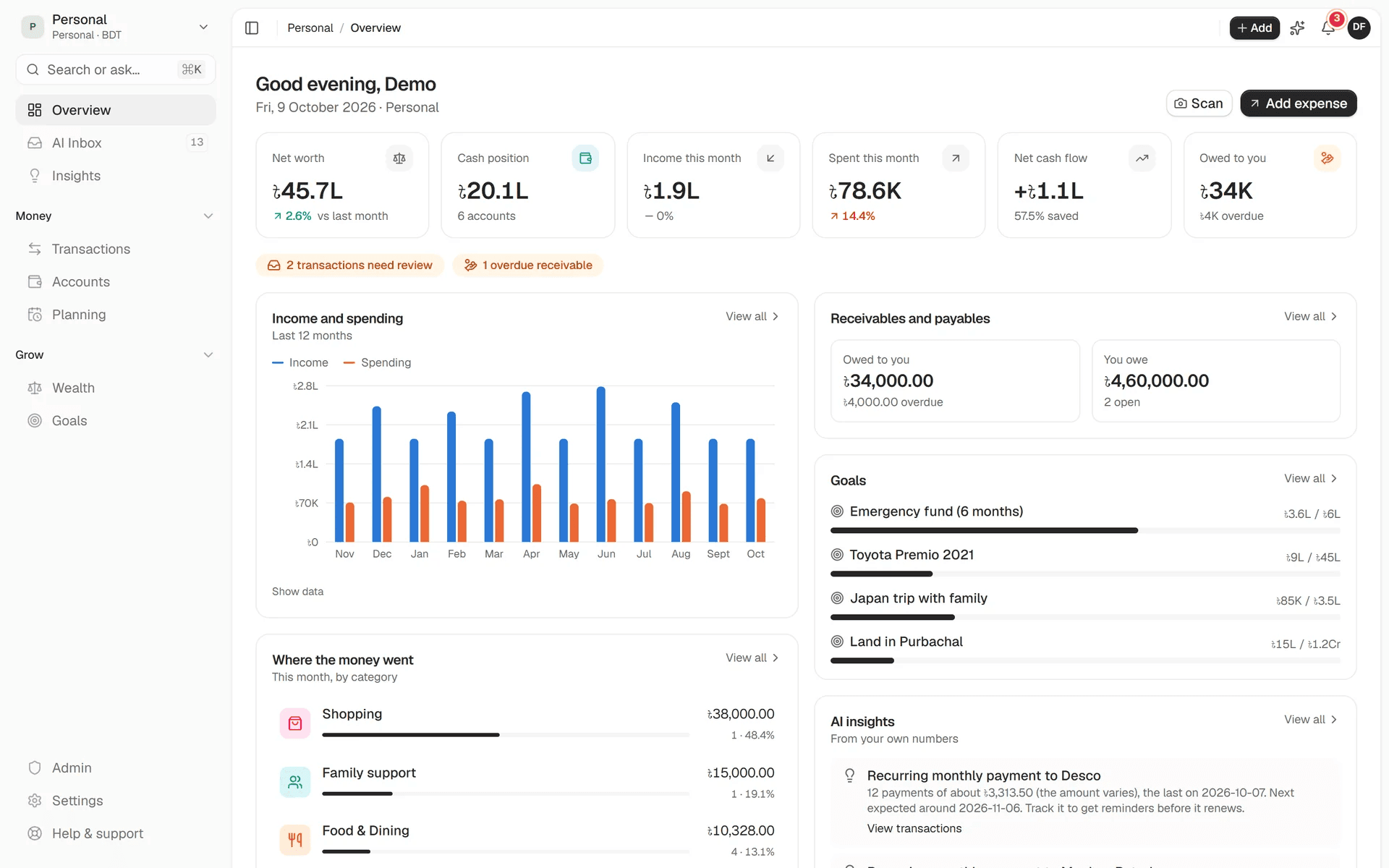
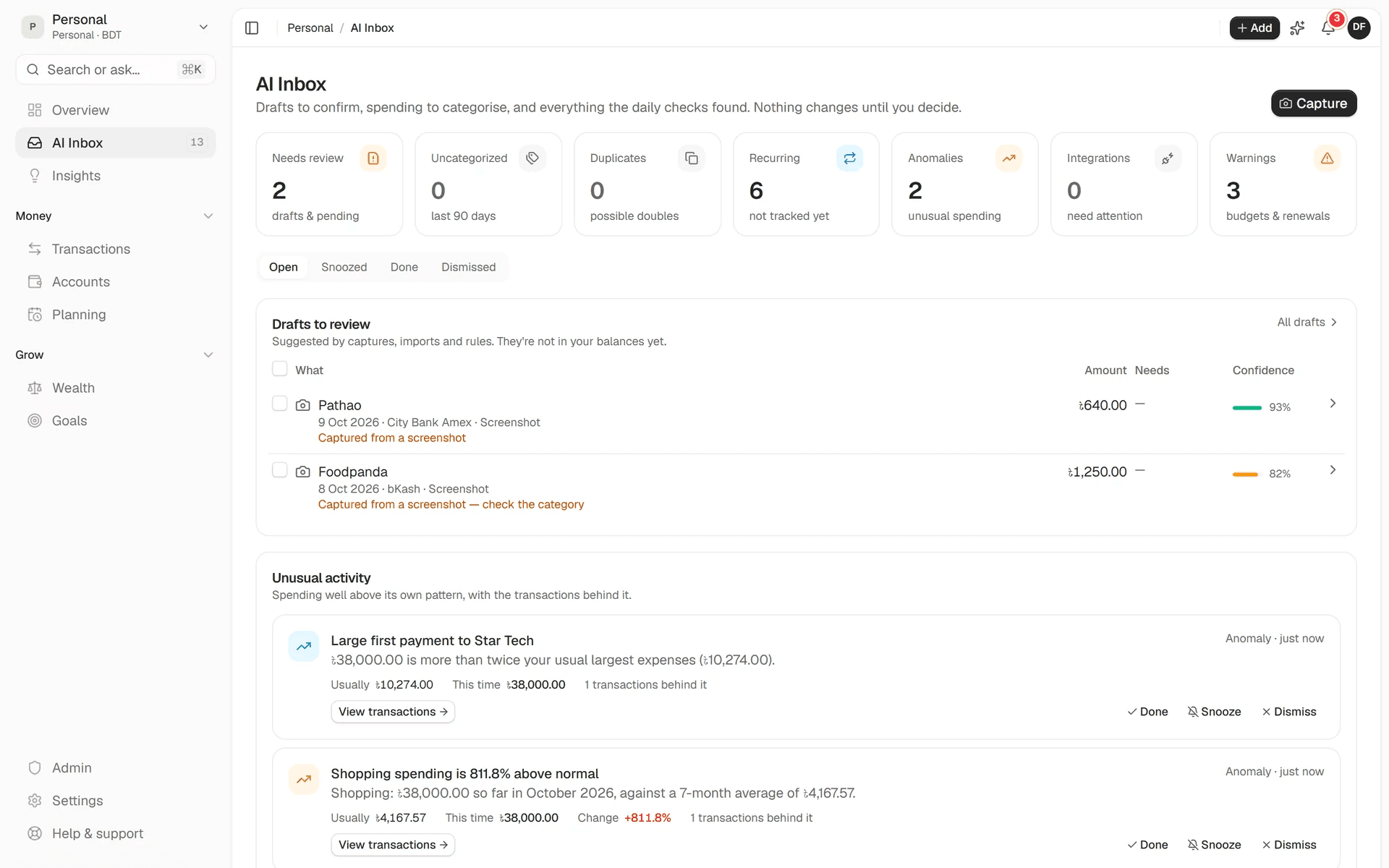
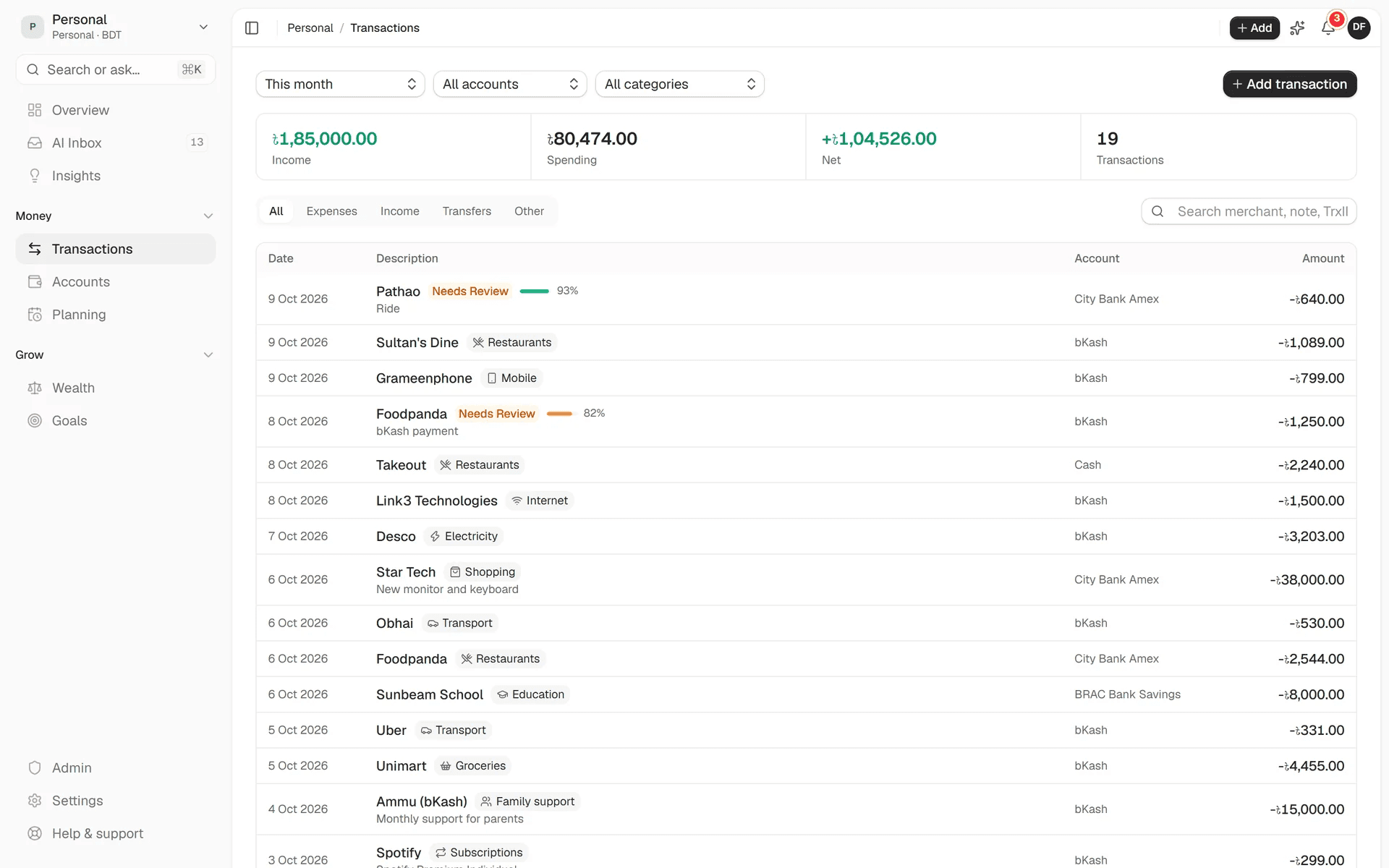
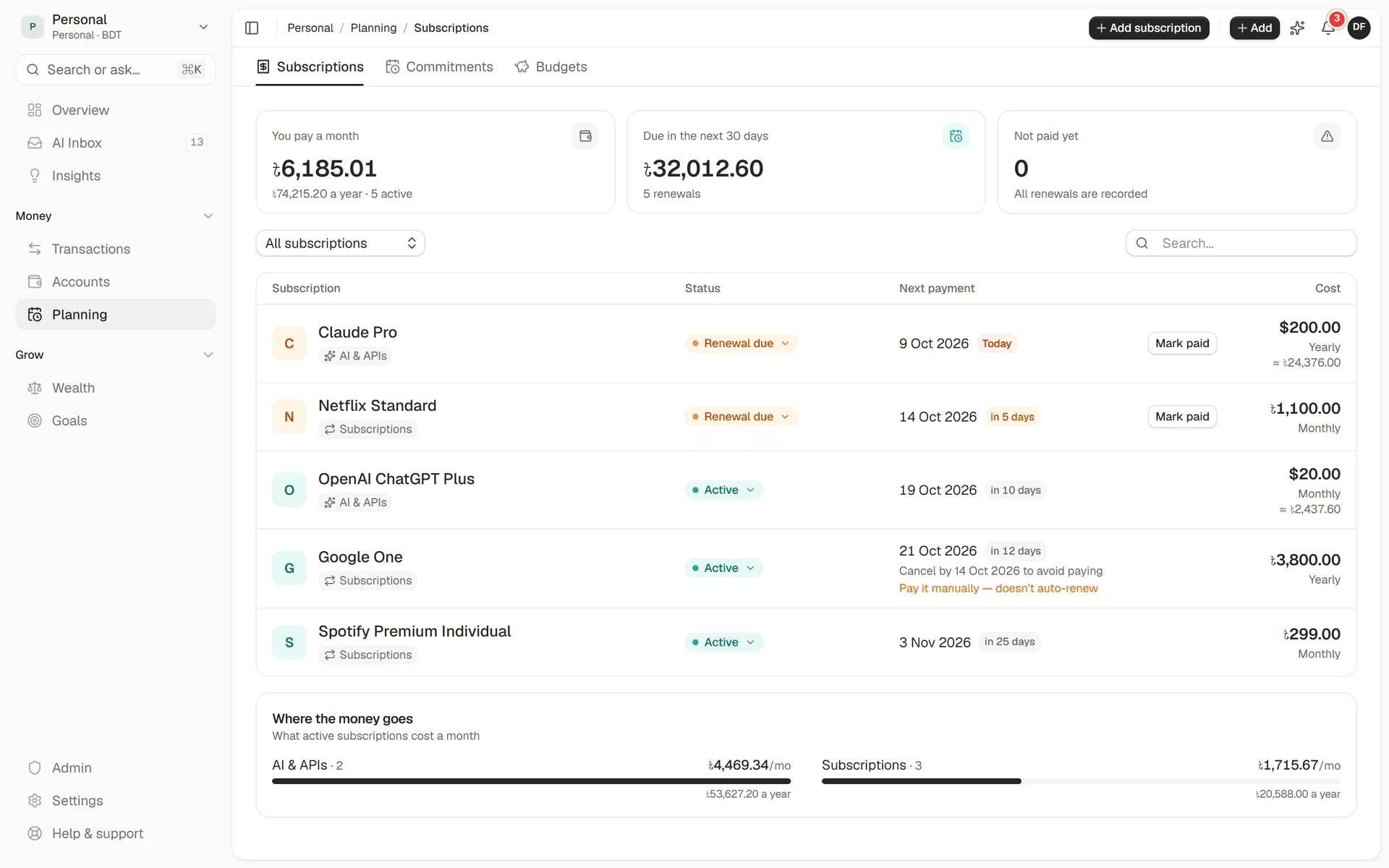
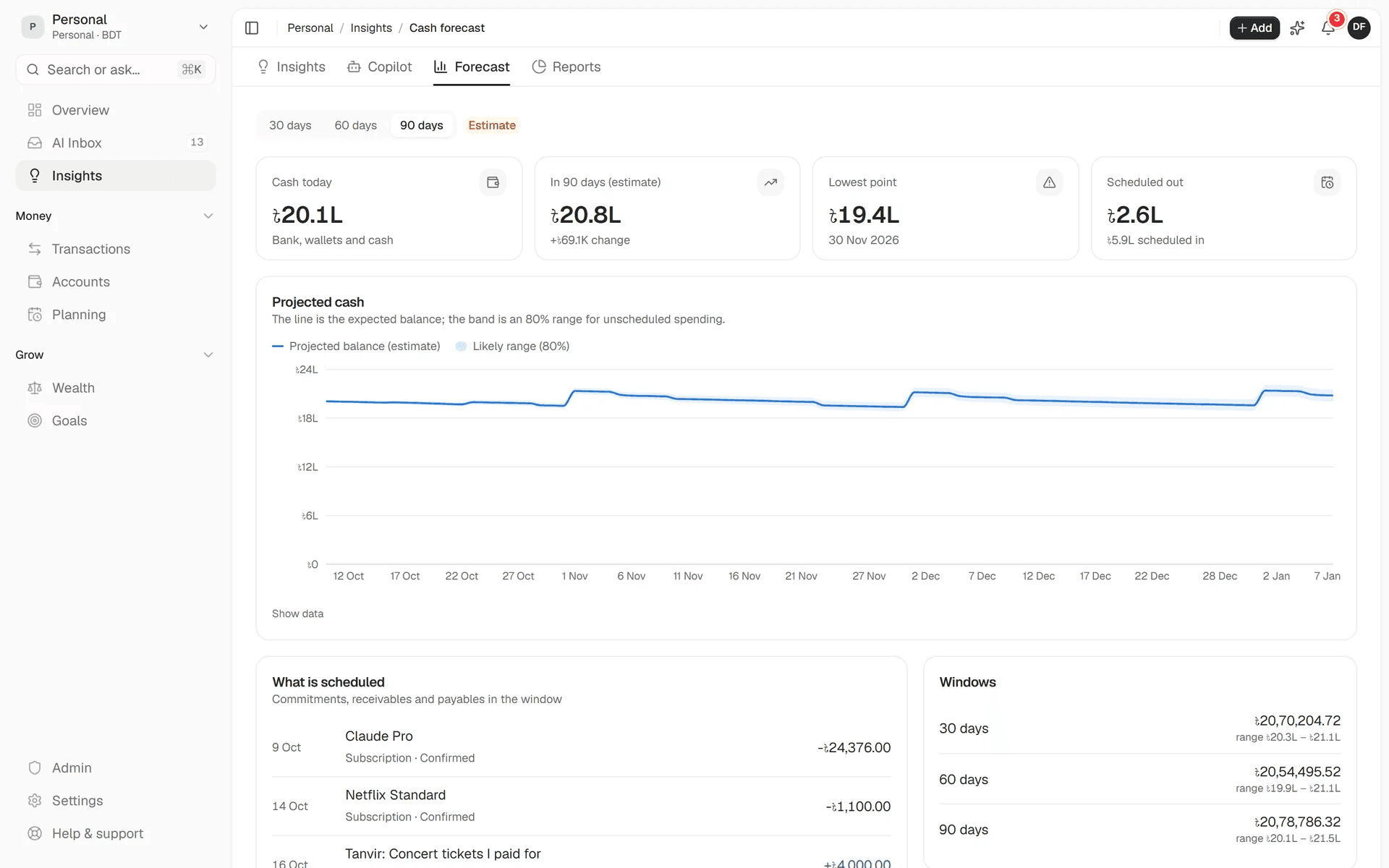
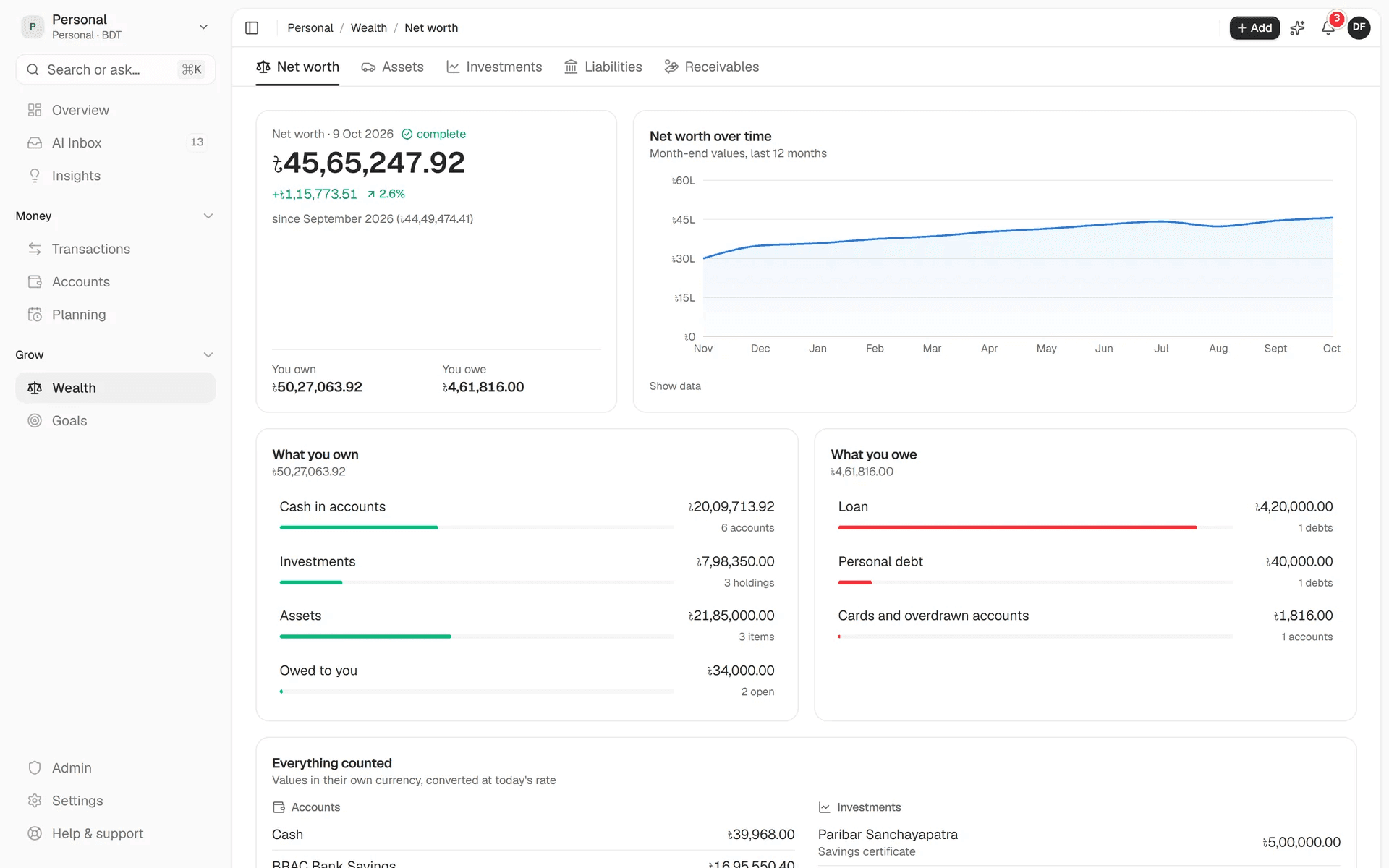
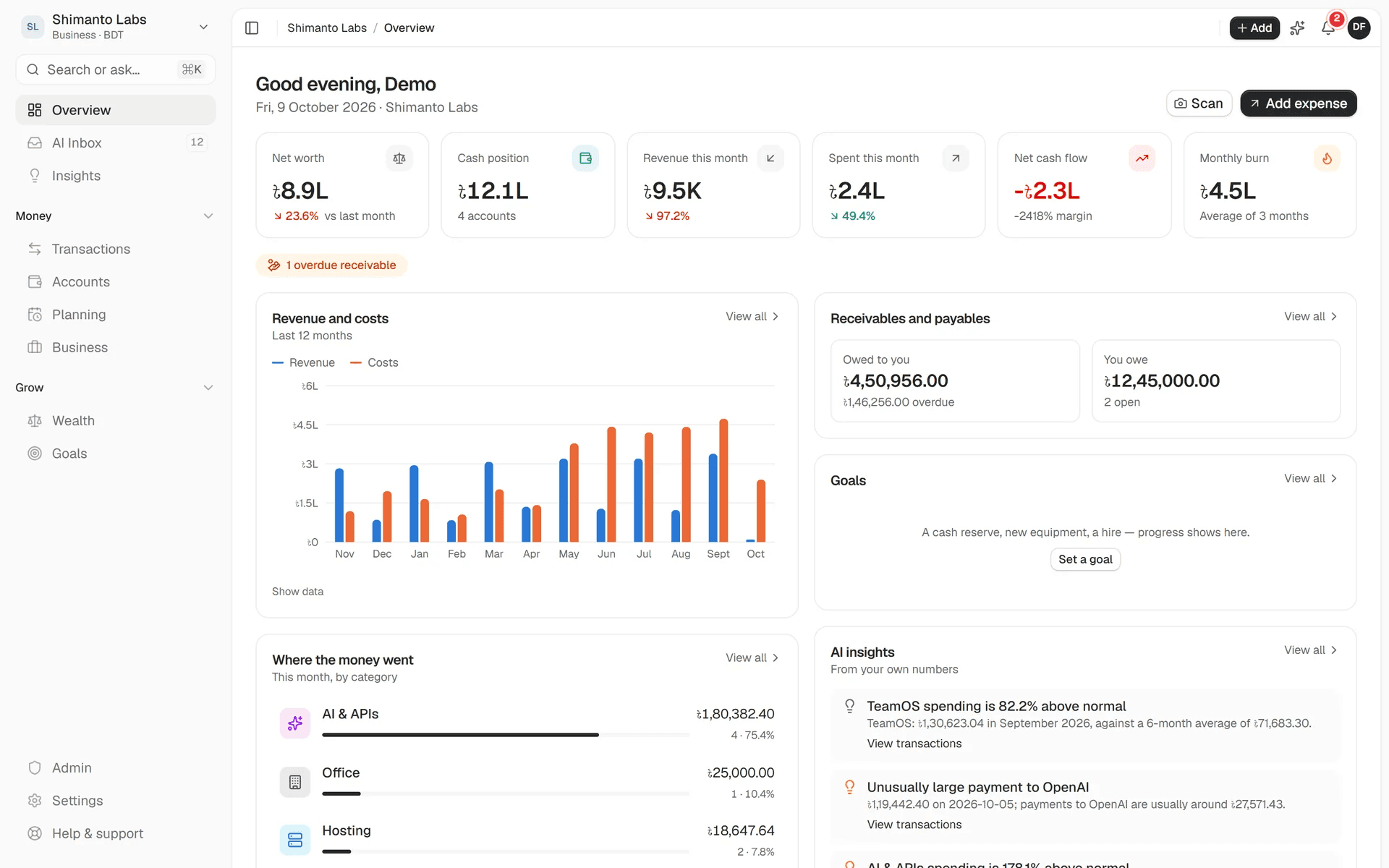
01 / 07Personal overview with net worth, cash, income and spending this month, a 12-month income and spending chart, goals and AI insights
What it does
Separate workspaces for your own money and your company, on one double-entry ledger. Salary and client payments, Netflix and AWS.
Snap a receipt or type “lunch 450 bkash” in Bangla or English. AI fills it in, and nothing posts until you confirm.
The Copilot answers questions like what you spent on AI tools this quarter, and every figure links to its transactions.
Renewals, price-change detection, and rent, salary and loan schedules on one payment calendar, with reminders.
Revenue, cost, burn and runway for each project, and salaries paid month by month with proof.
Assets, investments with realised and unrealised gains, loans and receivables, and net worth over time.
30, 60 and 90-day projections from your real schedules, so you see the low point before you reach it.
Claude, OpenAI, Gemini, DeepSeek and more, or a local model with Ollama or LM Studio. Without a key, the built-in parser and rules still work.
The details
Who it’s for
FinanceOS runs on your own server, and your ledger stays in your own PostgreSQL. You choose the AI provider, or run a local model so nothing leaves your machine. API keys and integration secrets are encrypted with AES-256-GCM and never returned by the API.
FAQ
Yes. It’s open source under the AGPL-3.0 licence. Self-host it at no cost, and with billing off, the default when you self-host, every feature is available.
Yes. The ledger, budgets, subscriptions, reports, forecasts and the Bangla and English quick-entry parser all work without an AI key.
No. Every AI output is a draft until you, or a rule you wrote, confirms it. The Copilot reads your ledger only through read-only queries, and the figures beside its answers come from those queries, not from the model’s text.
Budgeting apps usually stop at categories and can’t handle projects, payroll or receivables. Accounting software is built for accountants and rarely covers personal goals, subscriptions or net worth. FinanceOS runs one ledger under both, with personal and business workspaces on top.
Yes. Mobile-wallet accounts, BDT and Bangla natural-language input are built in, alongside any other currency.
Yes. One command creates a demo account with a year of personal and business activity. It’s the same data you see in these screenshots.
Open source, no signup and no catch. Install it and start in a minute.
More tools
A free Google Takeout alternative for Windows: download your entire Google Drive to your PC or an external hard drive, with every folder kept.
A free, self-hosted AI content studio: turn any topic into blog posts, social posts, captions, first comments, newsletters and video scripts from one template.