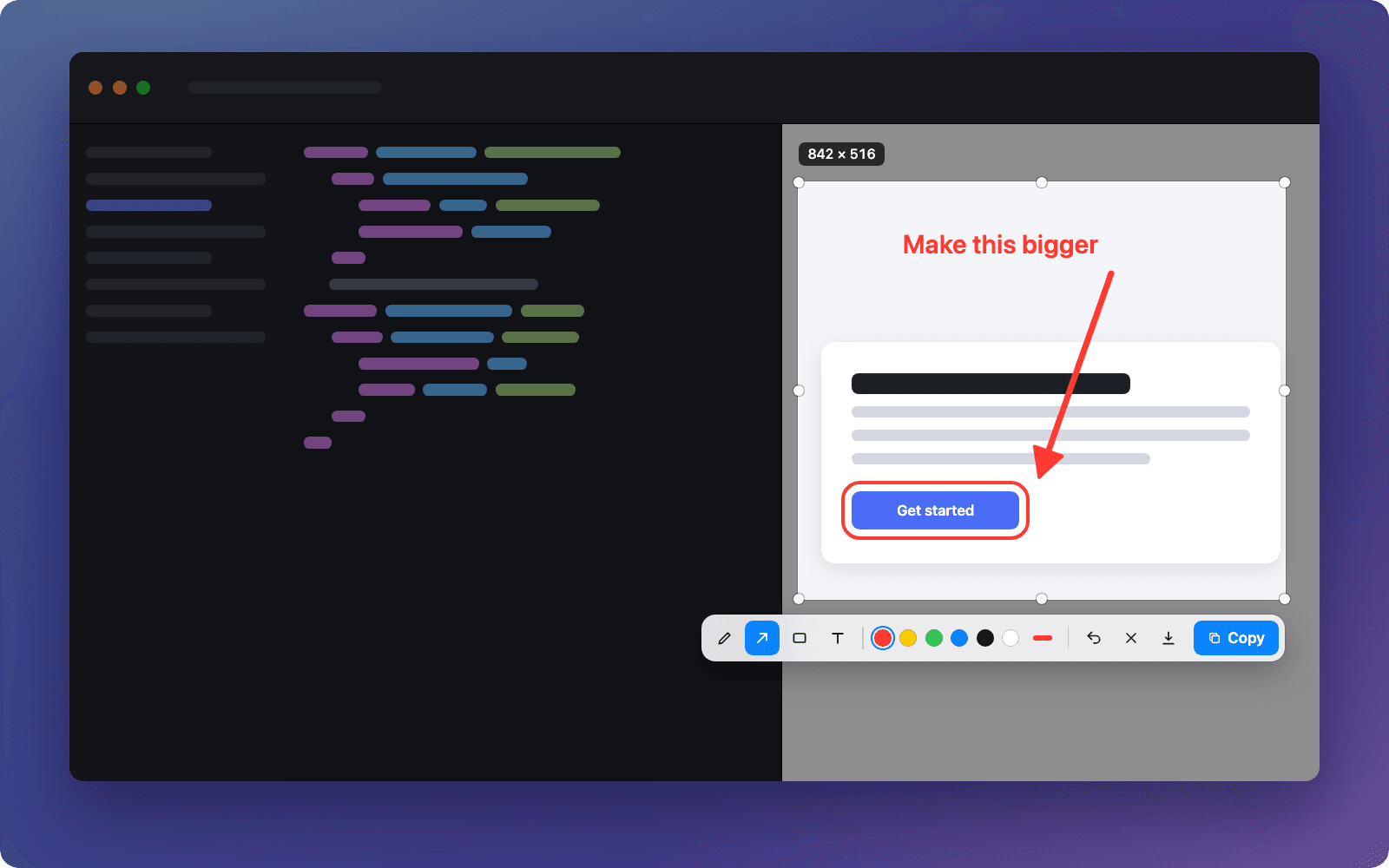

A free screenshot app for Mac: press a hotkey, select, mark it up and paste it anywhere with ⌘V.
Web appFree
A free, self-hosted password manager and secrets vault, end-to-end encrypted, for passwords, API keys, .env files and 2FA codes.
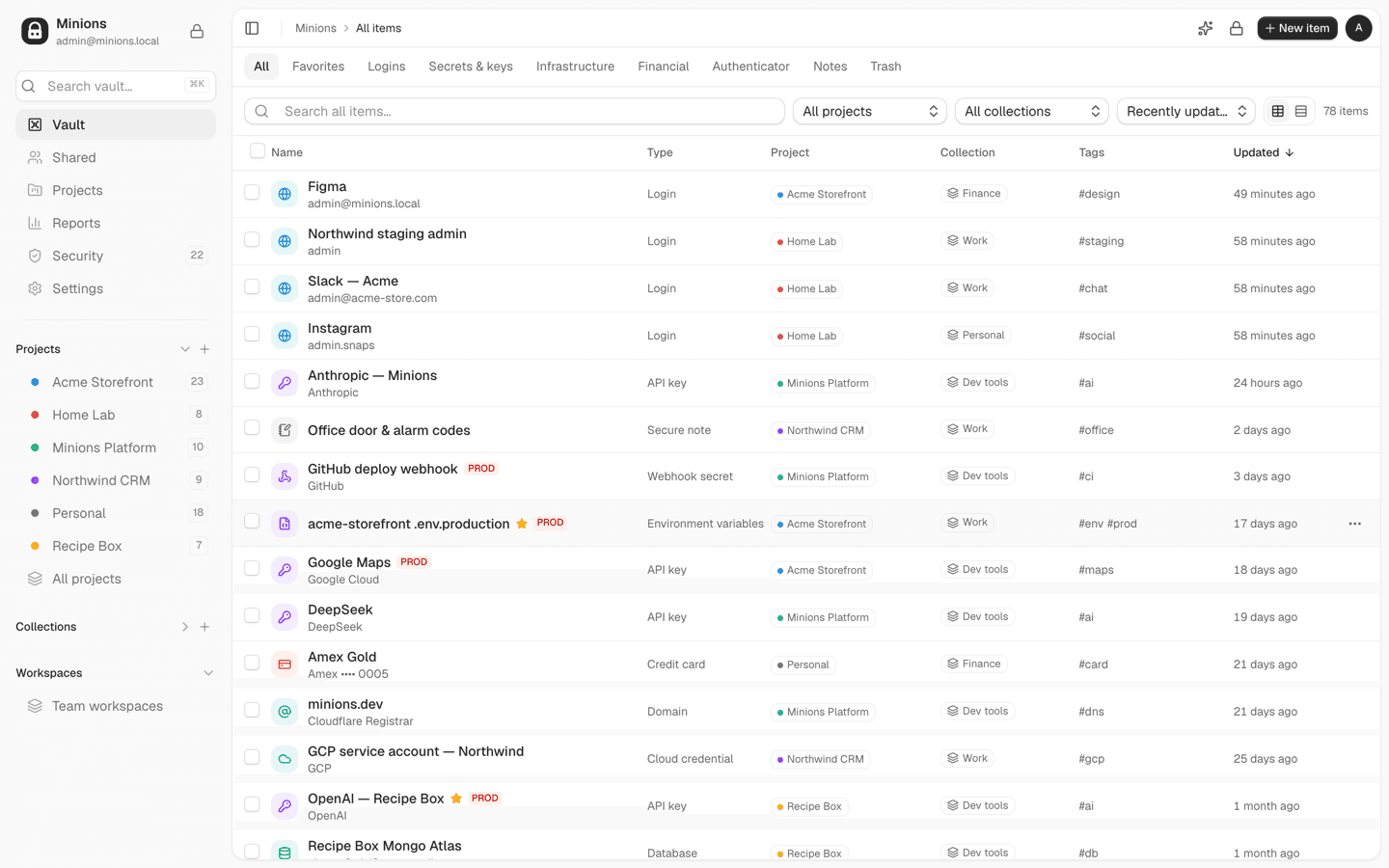
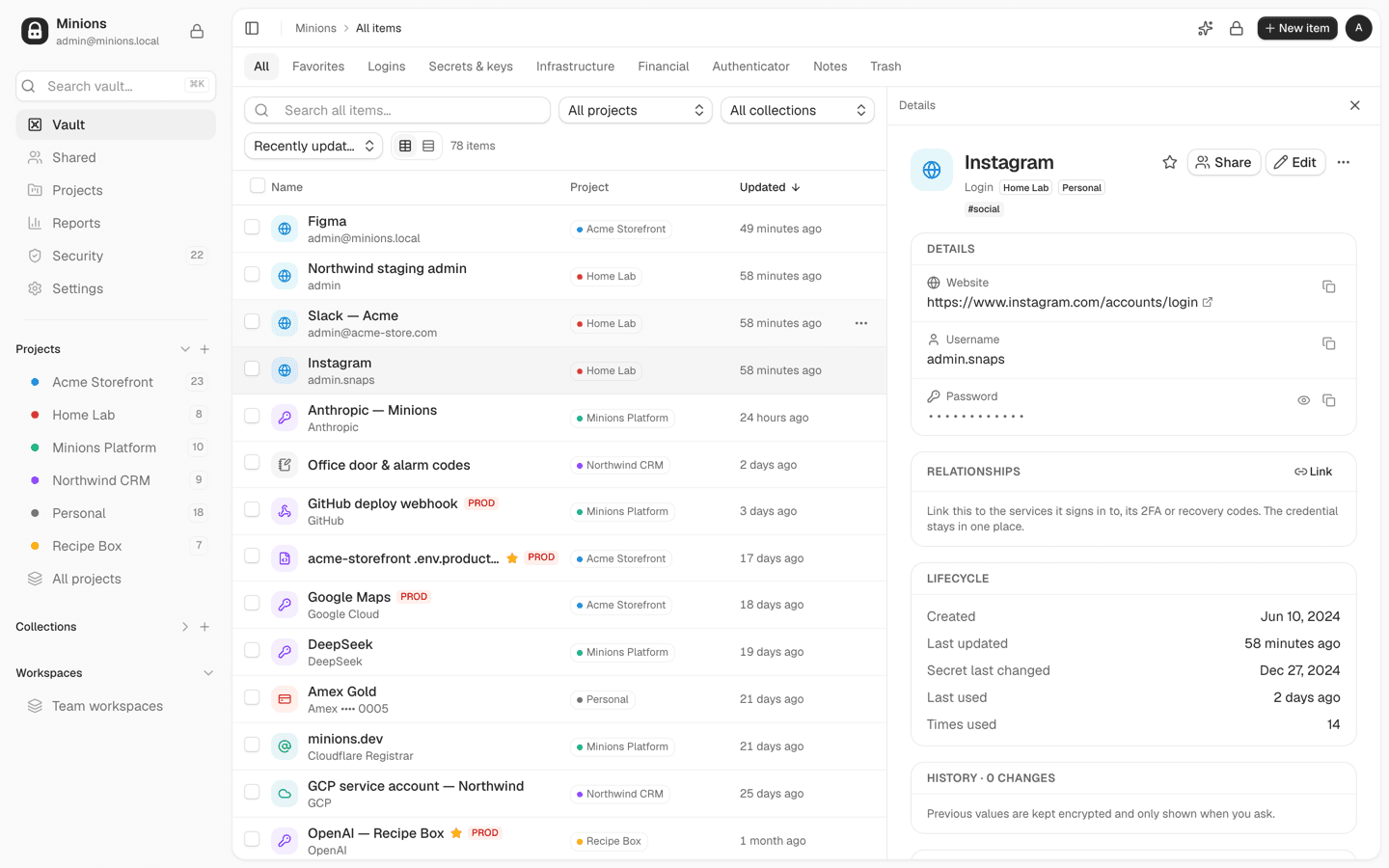
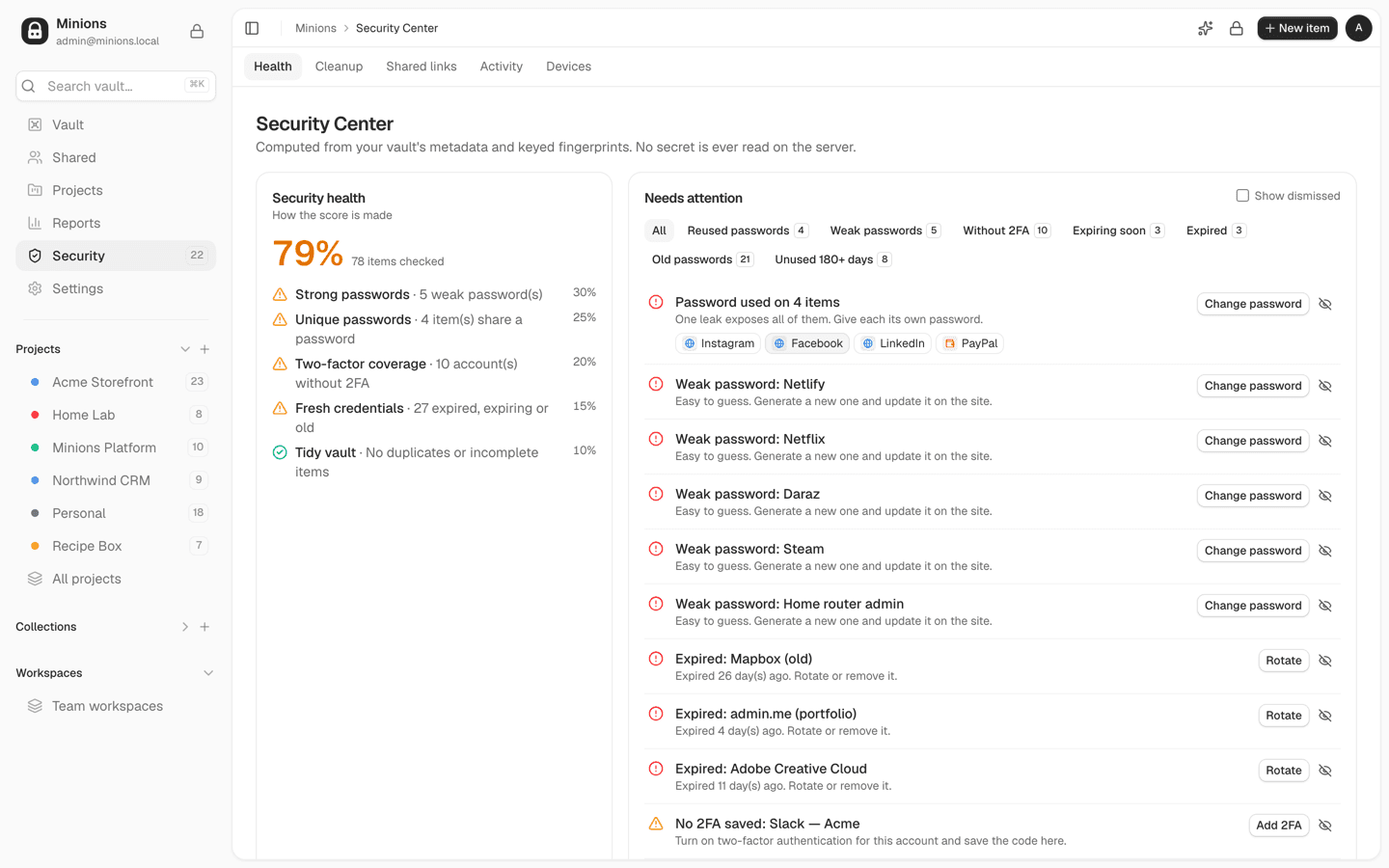
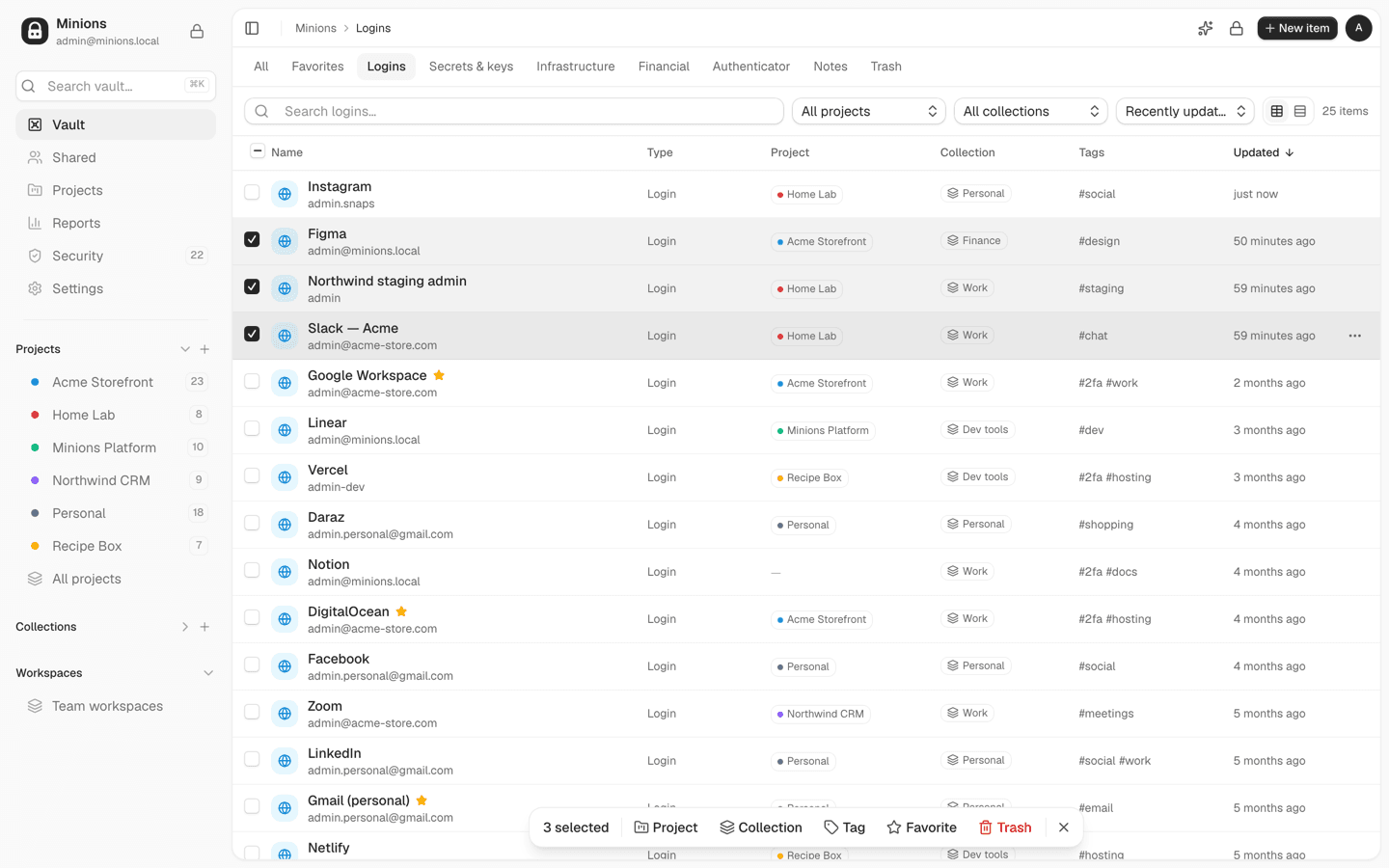
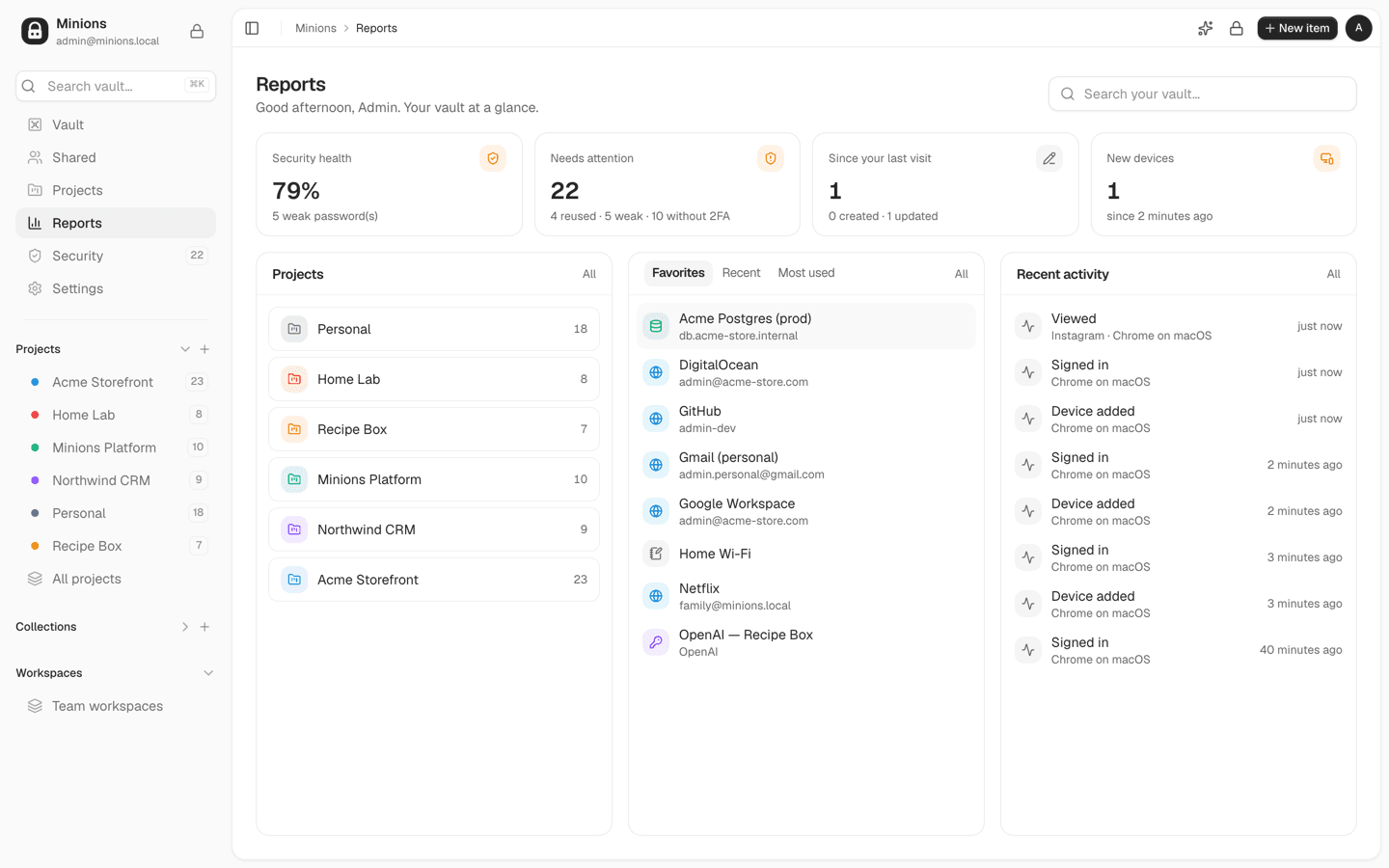
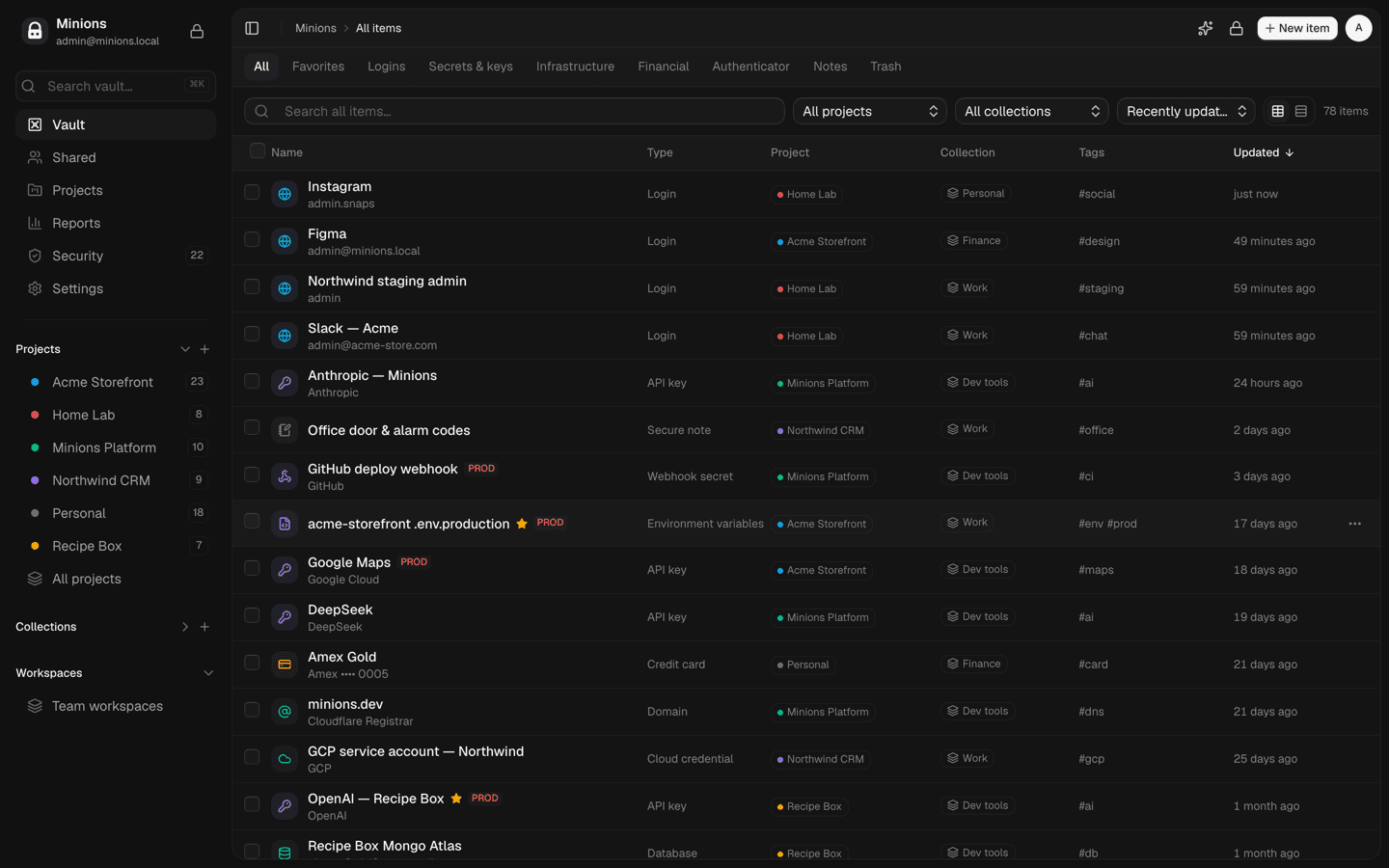
01 / 06Minions vault: logins, API keys, cloud credentials and cards, grouped by project and collection
What it does
Argon2id and AES-256-GCM on your device. Your master password never leaves it, and the server stores only ciphertext.
Logins, API keys, .env files, servers, SSH keys, databases, cloud credentials, cards, licences and notes.
Group what each product or client depends on, then filter by project, collection, tag and type.
Paste a .env, card details, label: value lines or a 2FA QR screenshot, and the fields fill themselves in.
Weak, reused, old and expired passwords and accounts without 2FA, with a health score that explains itself.
Live 2FA codes, with QR import that includes Google Authenticator’s export.
Share items by email, run team workspaces with roles, or send one-time links that expire.
The extension fills logins on matching sites and offers to save new ones, with phishing-resistant matching.
The details
Who it’s for
Secrets are encrypted on your device with keys from your master password, which is never sent. The server cannot decrypt your vault. Some metadata, like item names, websites and tags, stays readable so search and the Security Center work.
Minions has had an internal security review but no independent audit yet. Keep your own encrypted backups.
FAQ
Yes. It’s open source under the AGPL-3.0 licence, and you run it on your own server.
It covers the same everyday needs: encrypted logins, autofill, 2FA codes, sharing and import from Bitwarden and browsers. It adds a vault for developer secrets like API keys, .env files, servers and SSH keys, organised by project.
No. Secrets are encrypted on your device and your master password is never sent. The server can see some metadata, such as item names and websites.
The vault can’t be recovered, not even by the server owner. That’s the price of end-to-end encryption, so keep an encrypted backup and store your master password somewhere safe.
No. AI organising is optional and off without an API key. It only receives names and websites, and financial items are never sent.
Yes. Team workspaces have members, roles and per-item access, and you can share single items with people by email.
Open source, no signup and no catch. Install it and start in a minute.
More tools
A free screenshot app for Mac: press a hotkey, select, mark it up and paste it anywhere with ⌘V.
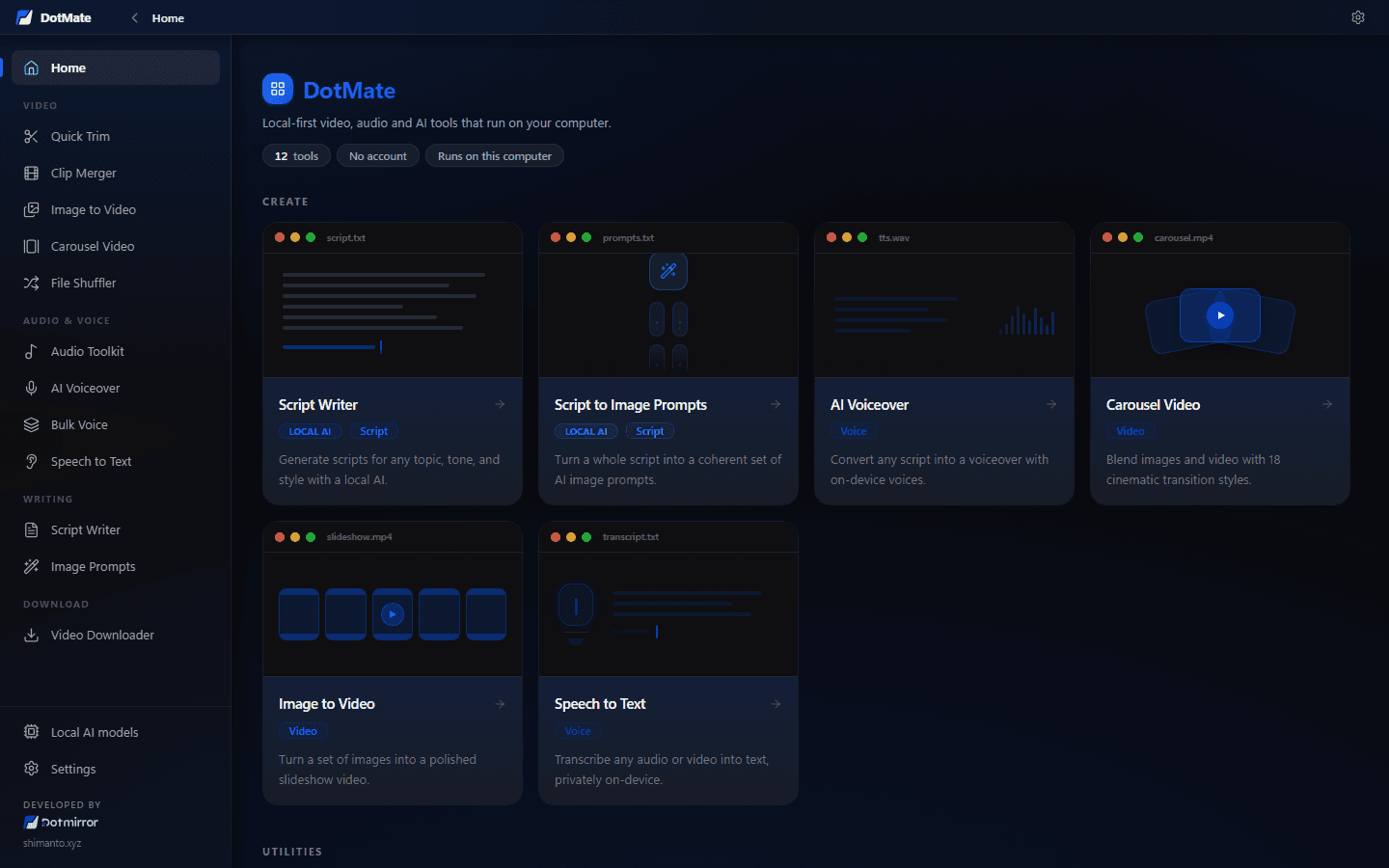
A free, offline toolbox for creators: clip, trim and merge videos, make voiceovers, transcribe and write scripts, all on your own PC.