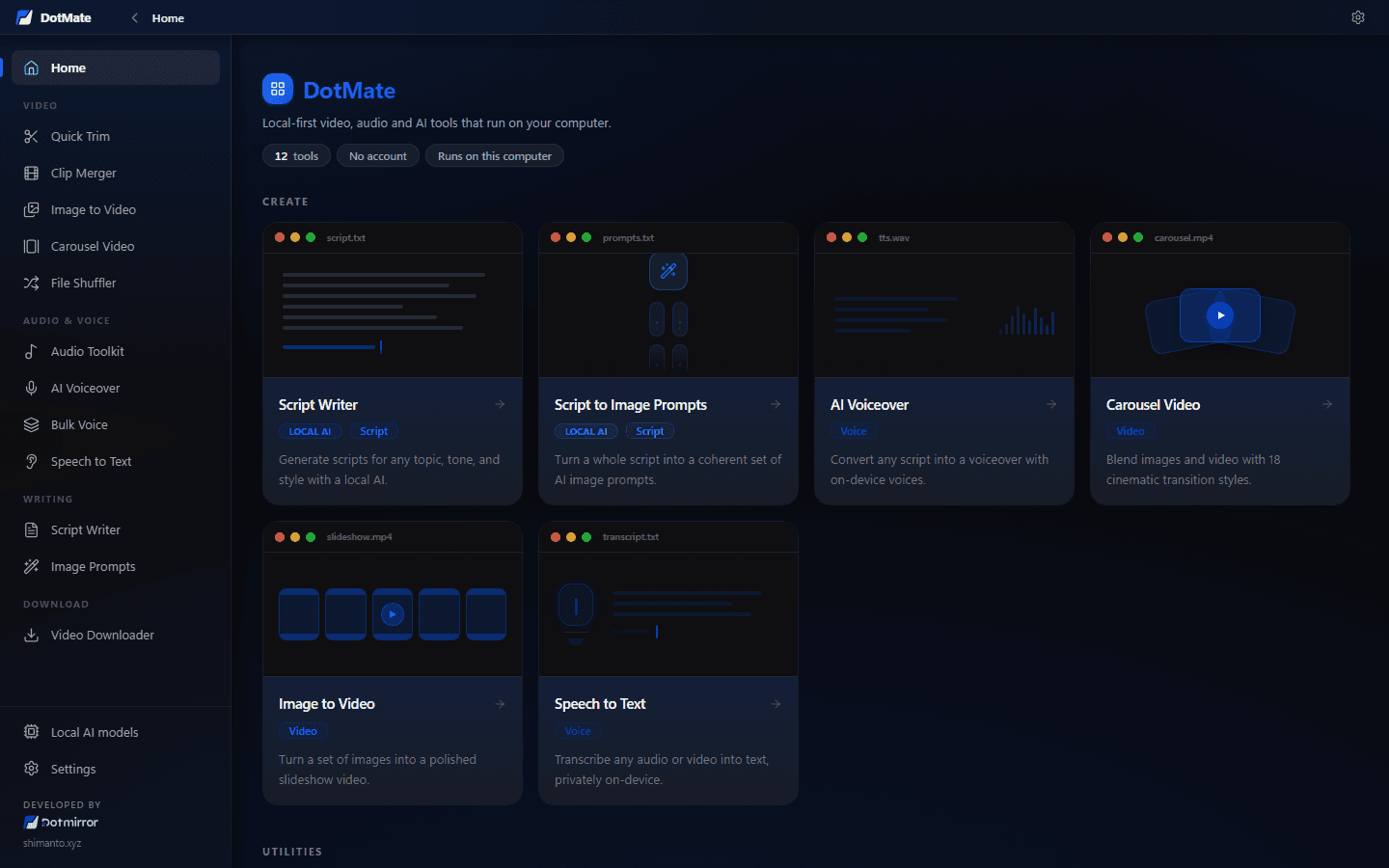

A free, offline toolbox for creators: clip, trim and merge videos, make voiceovers, transcribe and write scripts, all on your own PC.

Desktop appFree
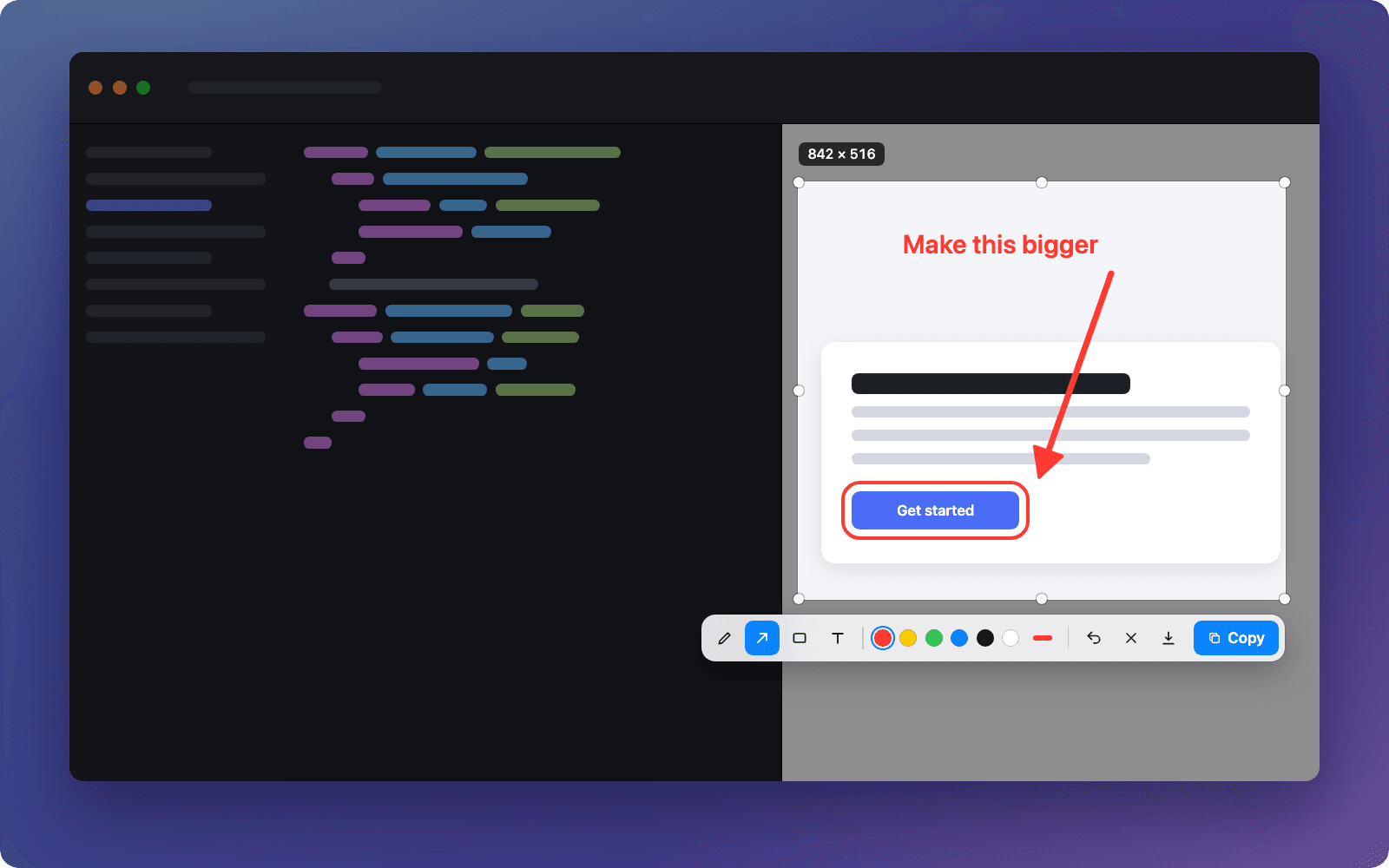
A free screenshot app for Mac: press a hotkey, select, mark it up and paste it anywhere with ⌘V.
What it does
One global shortcut (⇧⌘S by default) freezes the screen right away.
Drag to select, then move, resize with handles or nudge with the arrow keys, with a live size readout.
Pen, arrow, rectangle and text, in 6 colours and 3 thicknesses, with undo.
Press Enter and paste anywhere. No file in between, and it takes you back to the app you were in.
Optional: a save dialog that remembers your last folder, or automatic saving.
Captures at native pixel density on every display, with no blur or offset.
Change it in one click. It warns you about clashes with macOS and other apps.
No account, no network, no analytics. Screenshots never leave your Mac.
The details
Who it’s for
ShotMate has no network code at all. Screenshots go only to your clipboard, or to a folder you choose. There is no account and no analytics.
FAQ
Yes. It’s open source under the MIT licence, with no account, subscription or ads.
Yes. It keeps Lightshot’s select, mark and copy flow, but it’s a native Mac app with Retina-sharp captures, multi-monitor support, a custom hotkey and no cloud upload.
ShotMate isn’t notarized by Apple yet, so macOS asks once. Go to System Settings › Privacy & Security, scroll down and click Open Anyway. Or build it yourself from the source.
macOS asks for it for any app that captures the screen. Without it, ShotMate can only see your wallpaper. The capture happens entirely on your Mac.
No, ShotMate is Mac only. It needs macOS 14 Sonoma or later, on Apple Silicon or Intel.
Open source, no signup and no catch. Install it and start in a minute.
More tools
A free, offline toolbox for creators: clip, trim and merge videos, make voiceovers, transcribe and write scripts, all on your own PC.

Queue up prompts and let ChatGPT answer them one by one, automatically. Then collect the replies.