
A free, self-hosted password manager and secrets vault, end-to-end encrypted, for passwords, API keys, .env files and 2FA codes.

Chrome extensionFree
Move your logged-in sessions to another computer: export every cookie to a JSON file, import it on the other side.
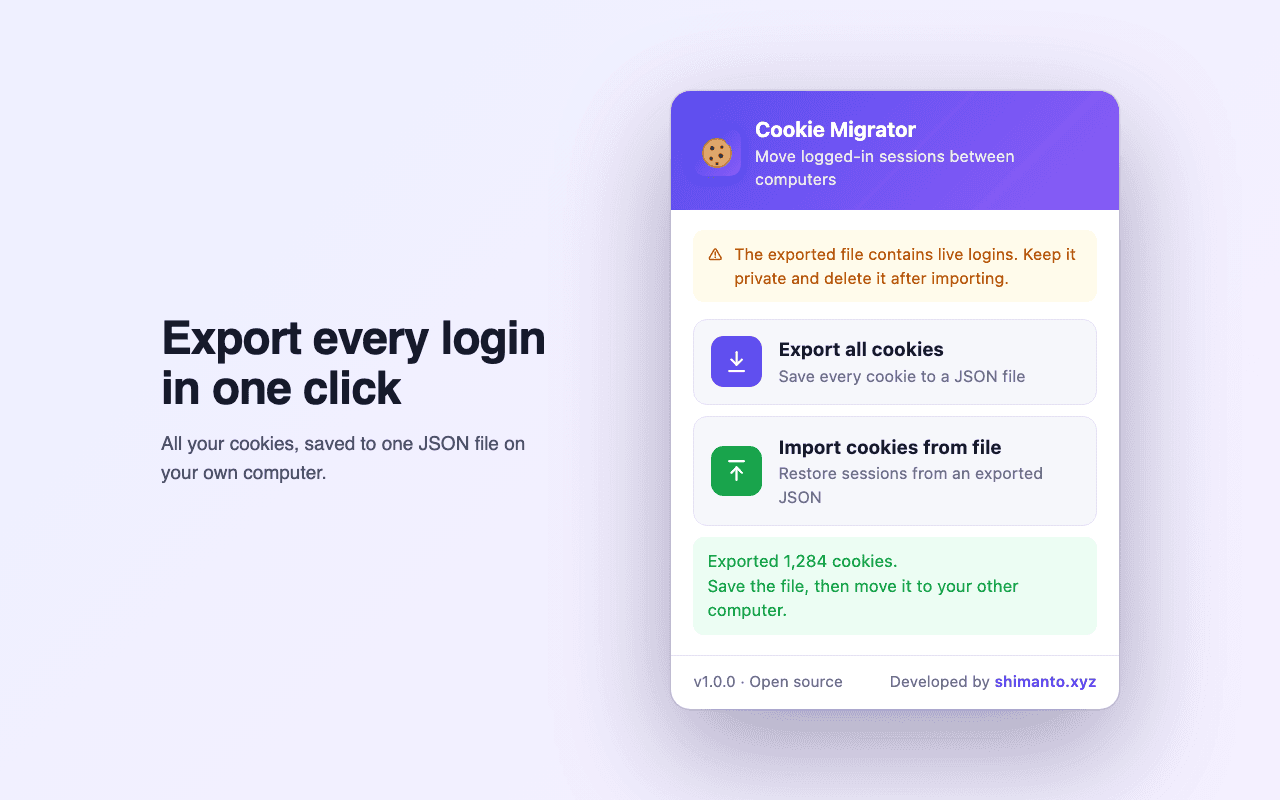
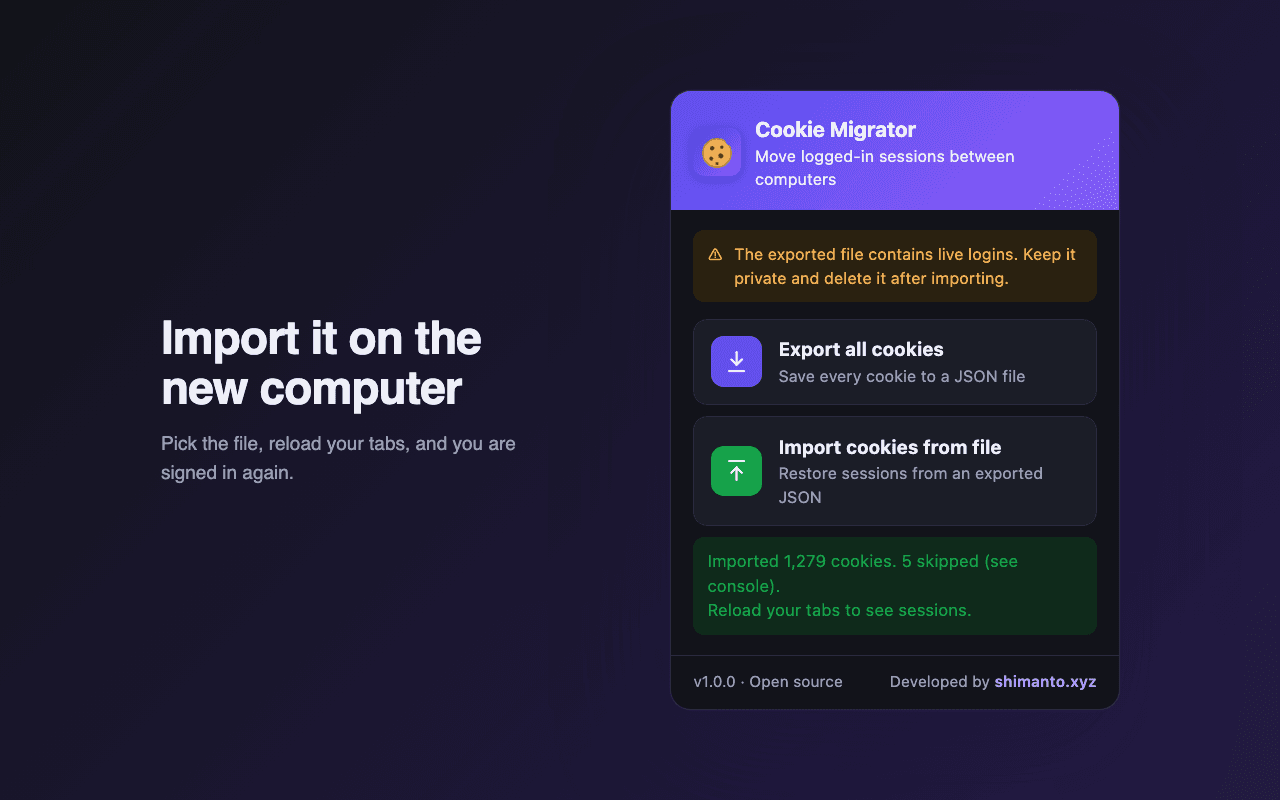
01 / 02Cookie Migrator popup after exporting 1,284 cookies to a JSON file
What it does
Every cookie from every site, saved to a single cookies-backup-YYYY-MM-DD.json file.
Pick the file on the other computer, reload your tabs, and you are signed in again.
Domain, path, secure, httpOnly, sameSite and expiry all come across intact.
Host-only and session cookies stay that way, instead of turning domain-wide or permanent.
Windows, macOS, Linux and ChromeOS. Export from Chrome, import into Edge or Brave.
No network requests, no analytics, no remote code. The file goes where you save it.
The details
Who it’s for
Cookie Migrator collects, sends and stores nothing. Cookies are read from the browser into a file you choose, and read back from a file you pick. The code makes no network requests.
The exported file holds live session cookies: anyone who gets it can sign in as you, often without your password or 2FA. Move it over a channel you trust (USB, AirDrop), never email or upload it, and delete it once imported.
FAQ
Install Cookie Migrator on both computers. Click Export all cookies on the old one, move the JSON file to the new one, and click Import cookies from file. Reload your tabs and you are logged in.
Not yet. Download the repo from GitHub, open chrome://extensions, turn on Developer mode and click Load unpacked. It takes about a minute.
Yes, in any Chromium browser that supports Manifest V3. You can even export from Chrome and import into Edge. Firefox and Safari are not supported yet.
Some services, like banks and Google, tie a session to your IP address, device or local storage as well as cookies. Logging in again on those is normal.
No, only cookies. Use your browser’s sync or a password manager for the rest.
No. It is plain JSON so you can see exactly what is in it, which is why you should move it privately and delete it afterwards. Password-protected exports are on the roadmap.
Open source, no signup and no catch. Install it and start in a minute.
More tools
A free, self-hosted password manager and secrets vault, end-to-end encrypted, for passwords, API keys, .env files and 2FA codes.
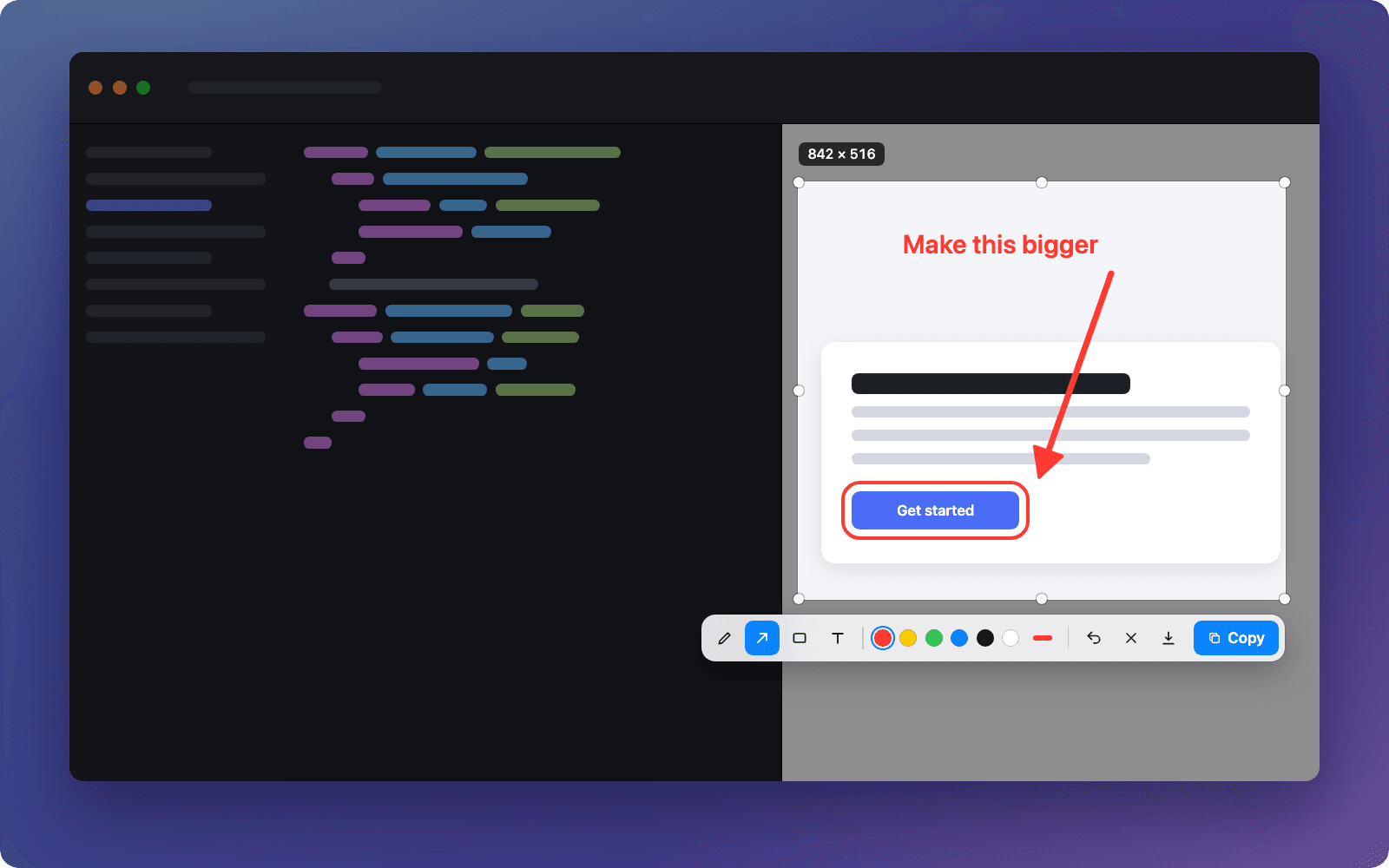
A free screenshot app for Mac: press a hotkey, select, mark it up and paste it anywhere with ⌘V.